So .
Let us show you how to make gmail account .
A mail is very necessary in today’s life every where you need a email address to logged in , In different accounts.
So , we will help you .
Just do what is written here ,
Lets start ,
1. Open internet
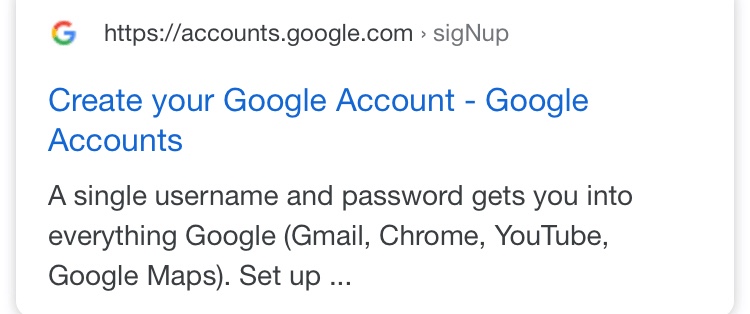
2. Go to google then type gmail create account. Click on create your google account.
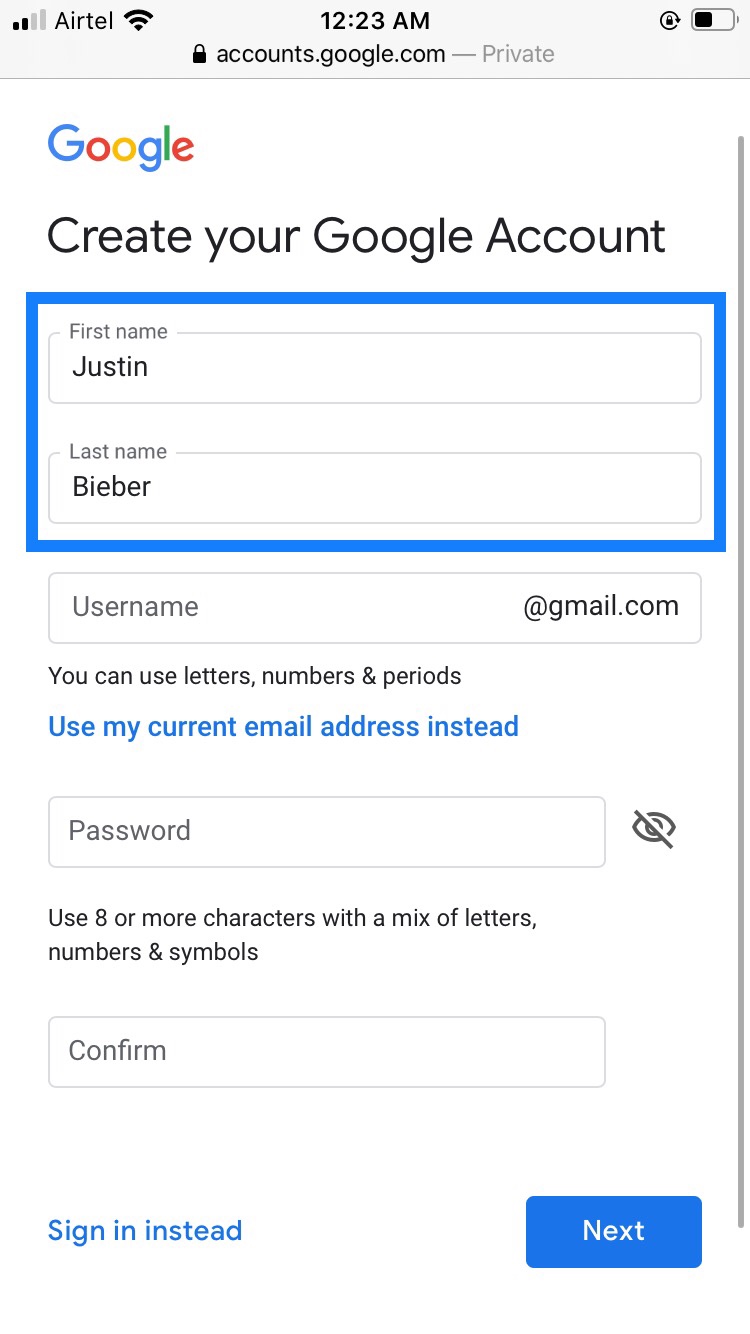
Then fill your details
Name
Example
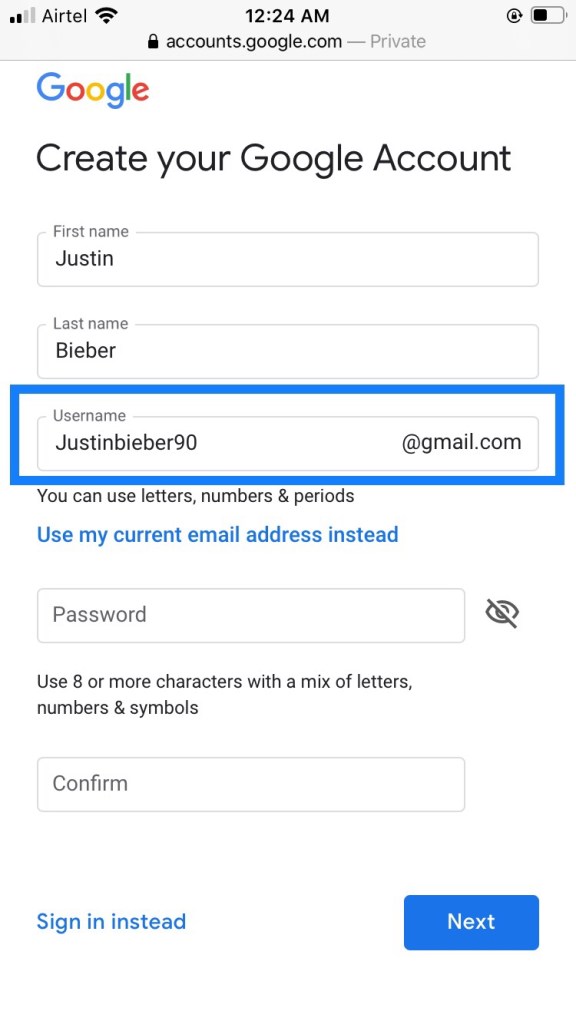
Make ur username which will become your mail after signed up.
Example
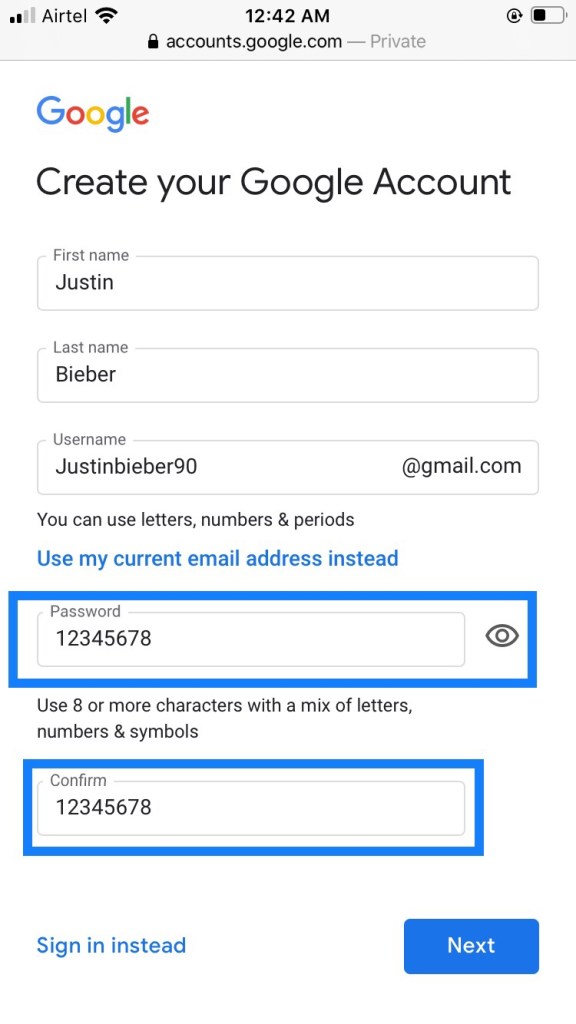
Now Make your password
( write it somewhere because you need this password every time while you logged in any account )
Example
Now click on next .
3. Next , enter your phone number to verify your account. Then click on next . ( Google uses a two-step verification process for your security ) .
Example
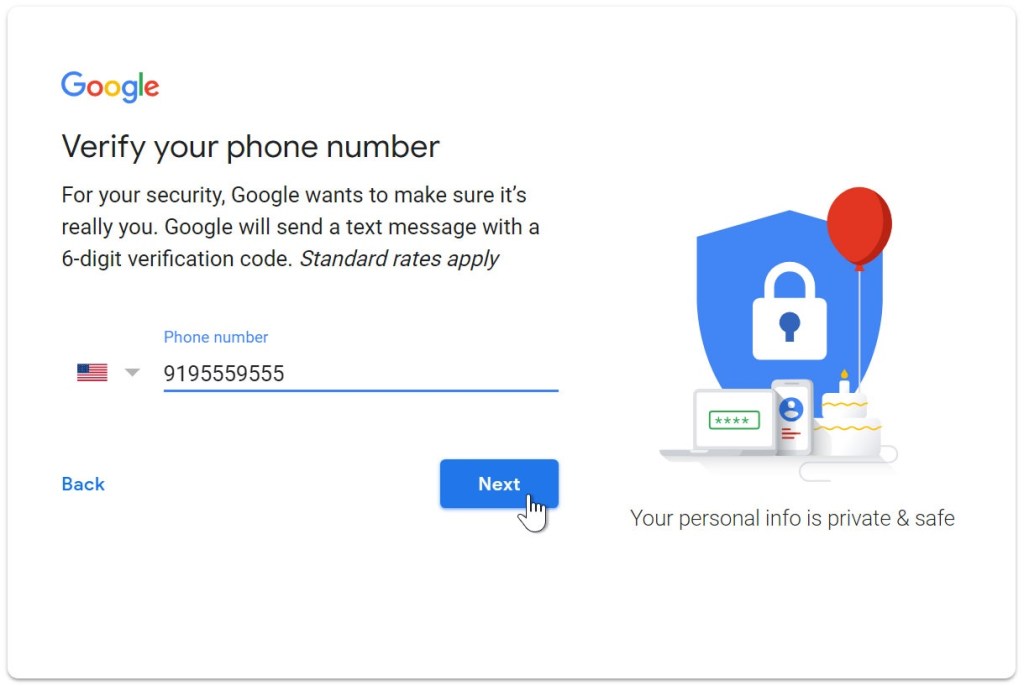
4. You will receive a text message from Google with a verification code. Enter the code to complete the account verification.
Example
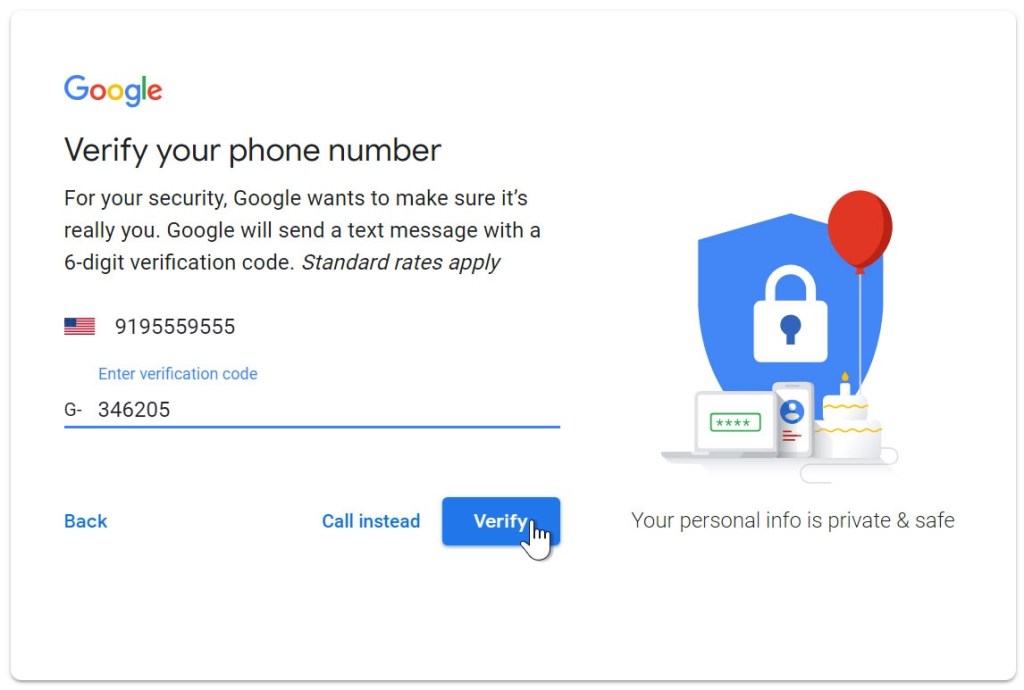
Then enter it and click on verify.
5. Next , you will see a form to enter some of your personal information , like your birthday and gender fill it and then click on next .
Example
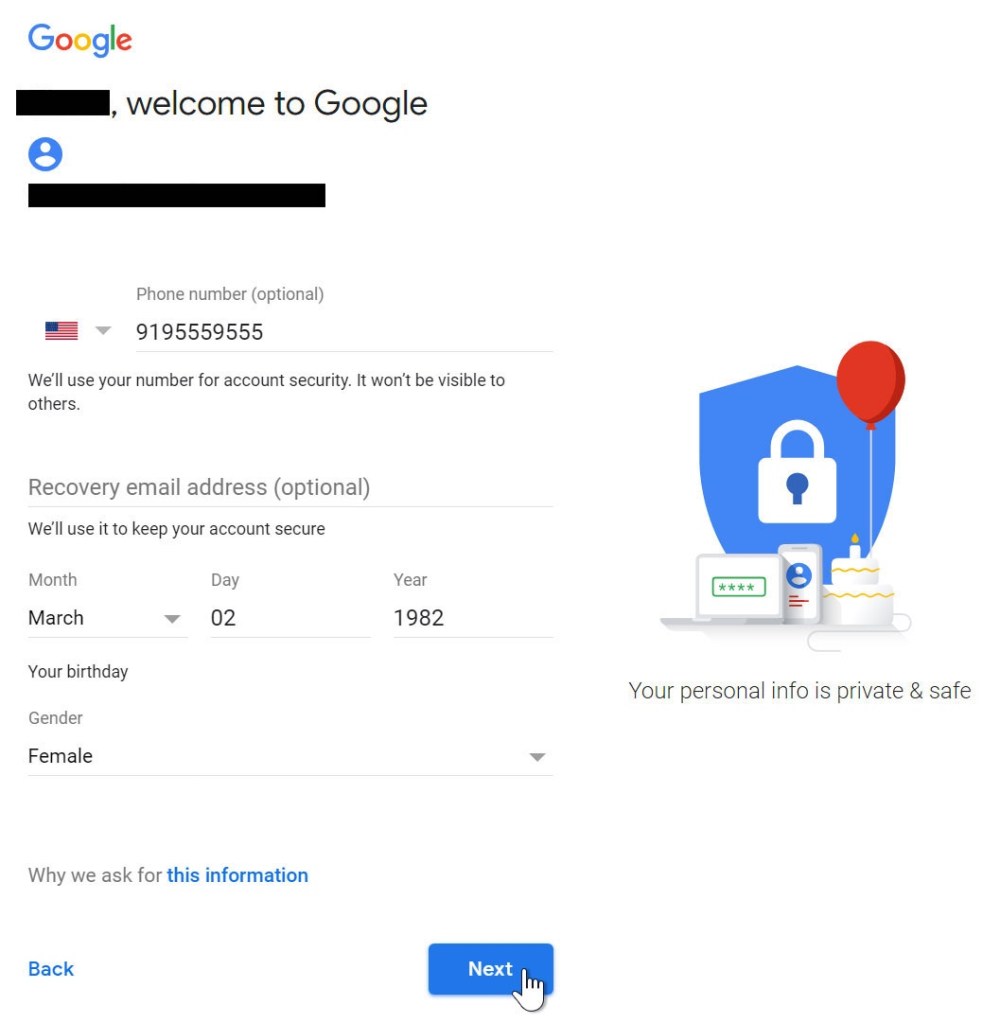
6. Review Google’s Terms of Service and Privacy Policy, then click I agree.
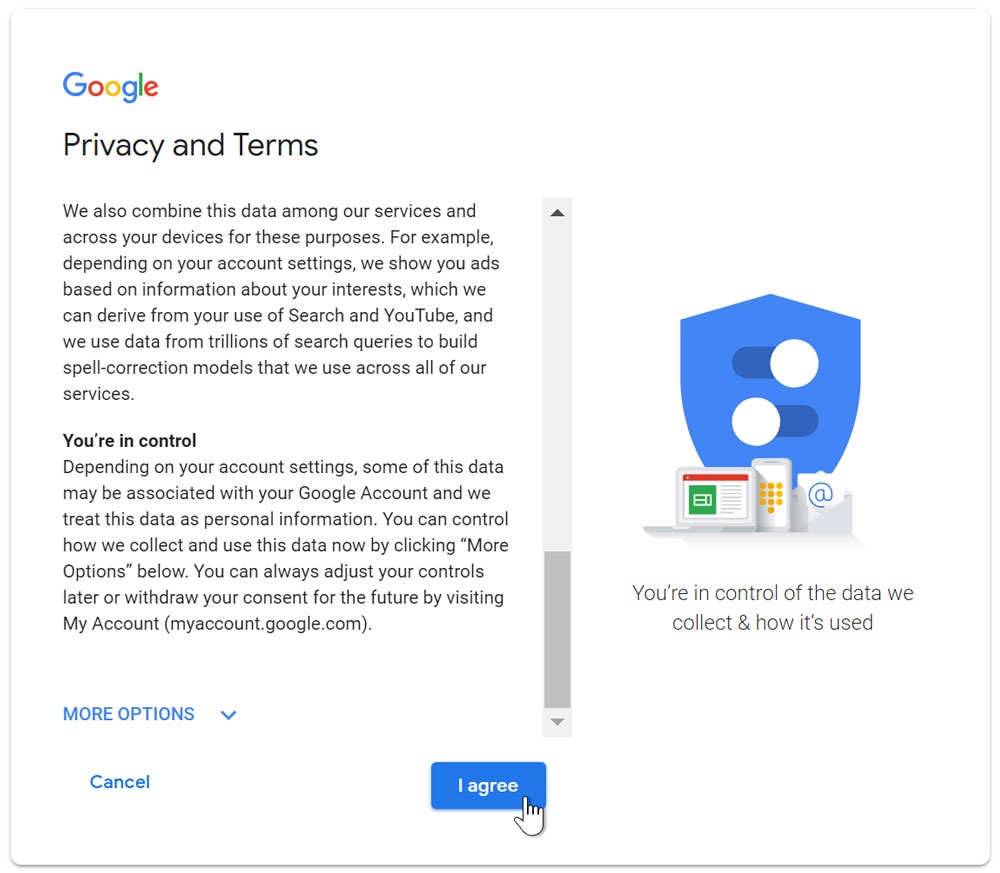
7. Your account is created .
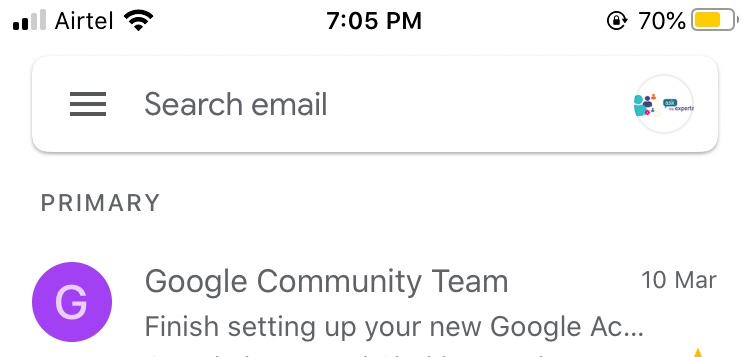
Signing in to your account
When you first create your account, you will be automatically signed in. Most of the time, however, you’ll need to sign in to your account and sign out when you’re done with it. Signing out is especially important if you’re using a shared computer (for example, at a library or office) because it prevents others from viewing your emails.
To sign in:
1. Go to www.gmail.com. Or in your mobile download the application from play store.
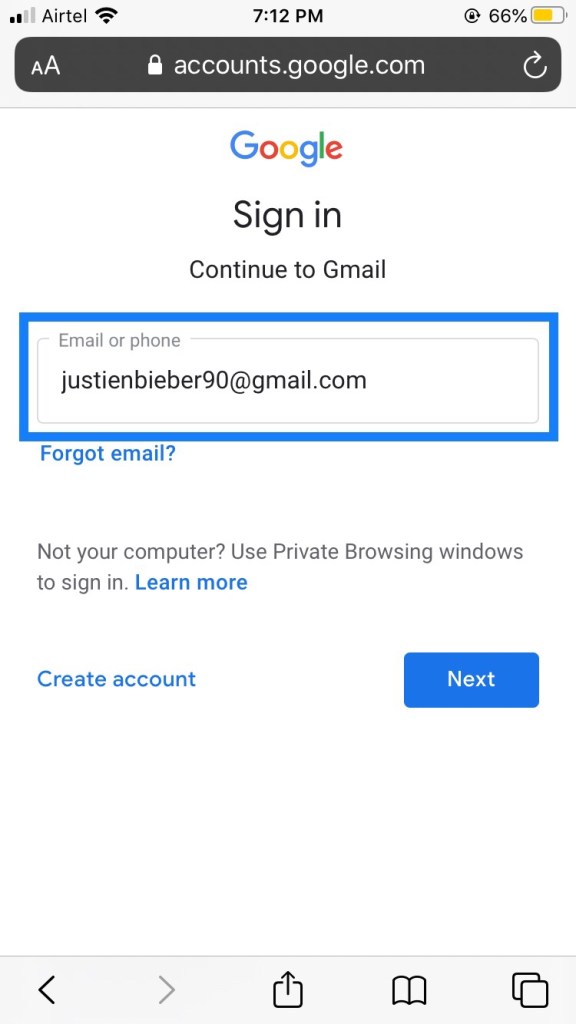
2. Type your user name and click on next
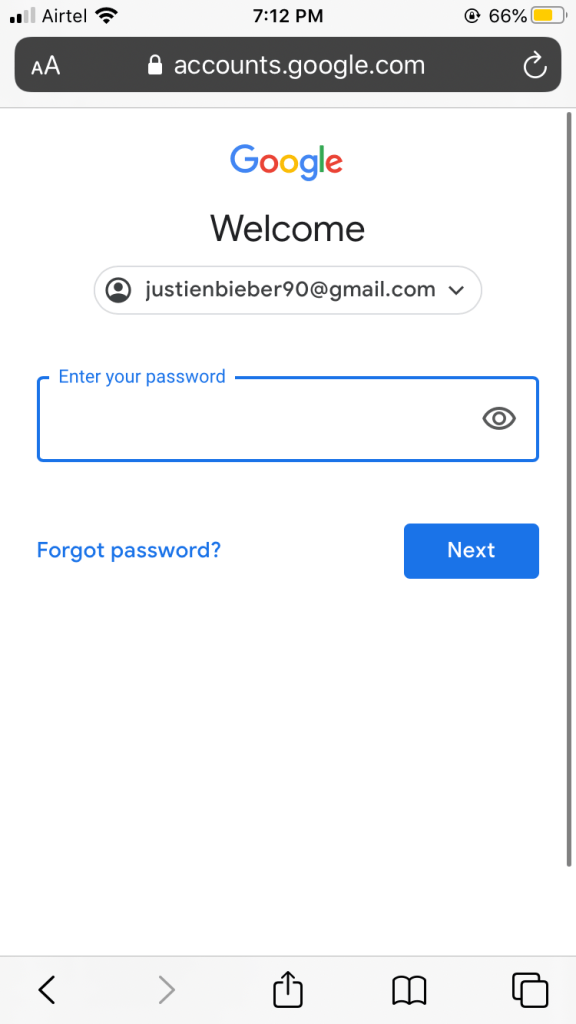
3. Then enter your password and click on next.
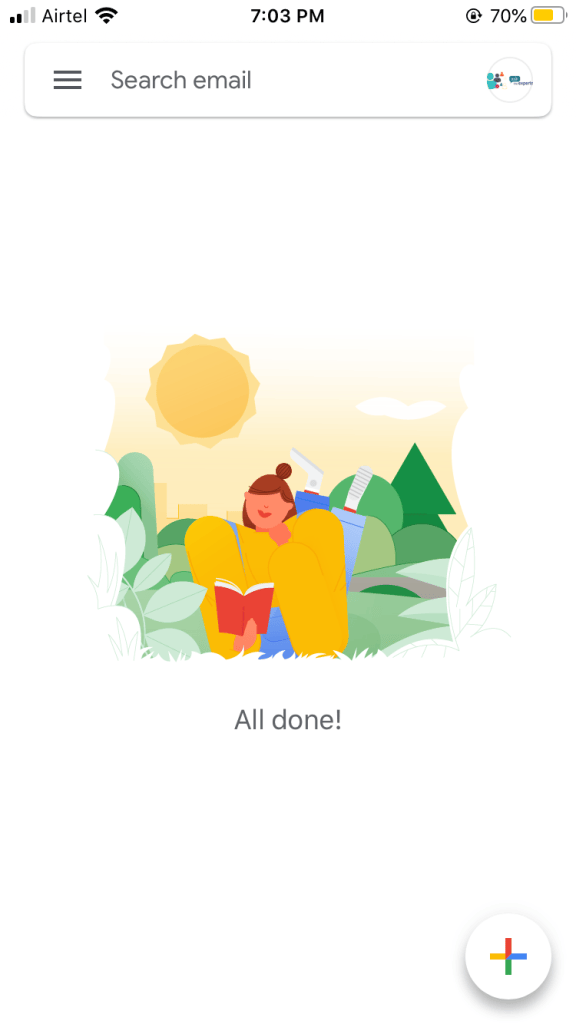
Now you logged in successfully .
Please like , share , comment.
Thank you.

