Instagram is a free, online photo-sharing application and social network platform that was acquired by Facebook in 2012.
Instagram allows users to edit and upload photos and short videos through a mobile app. Users can add a caption to each of their posts and use hashtags and location-based geotags to index these posts and make them searchable by other users within the app. Each post by a user appears on their followers’ Instagram feeds and can also be viewed by the public when tagged using hashtags or geotags. Users also have the option of making their profile private so that only their followers can view their posts.
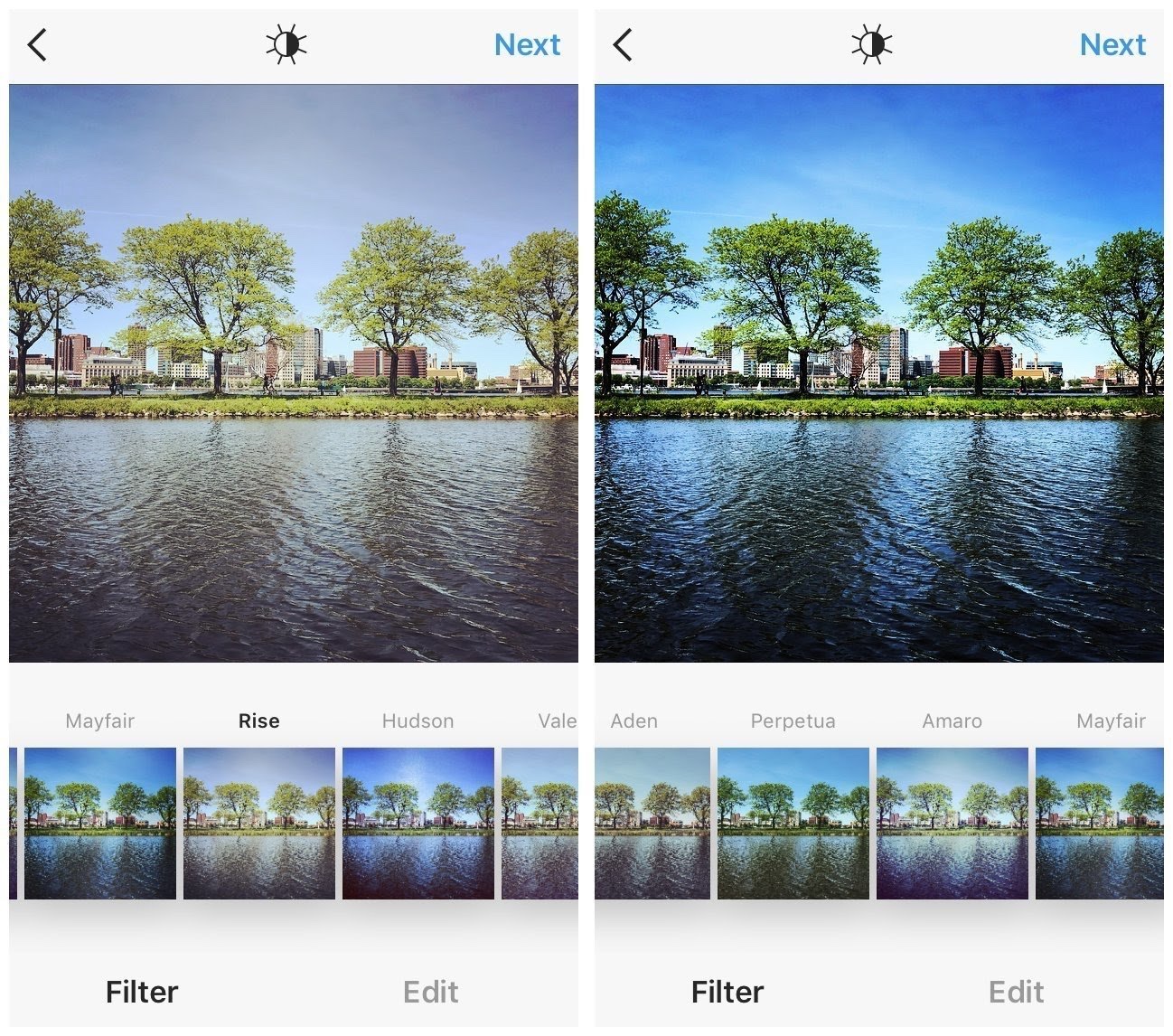
Instagram users have the option of adding a digital filter to their photos or videos.
Let’s start
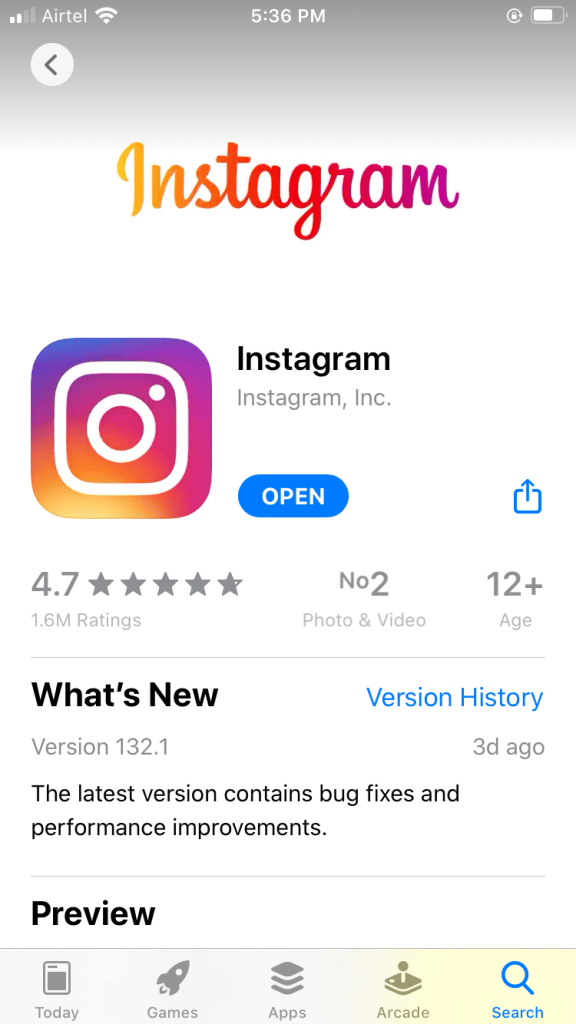
1. Download the app from Play store . Once the app installed open the app .
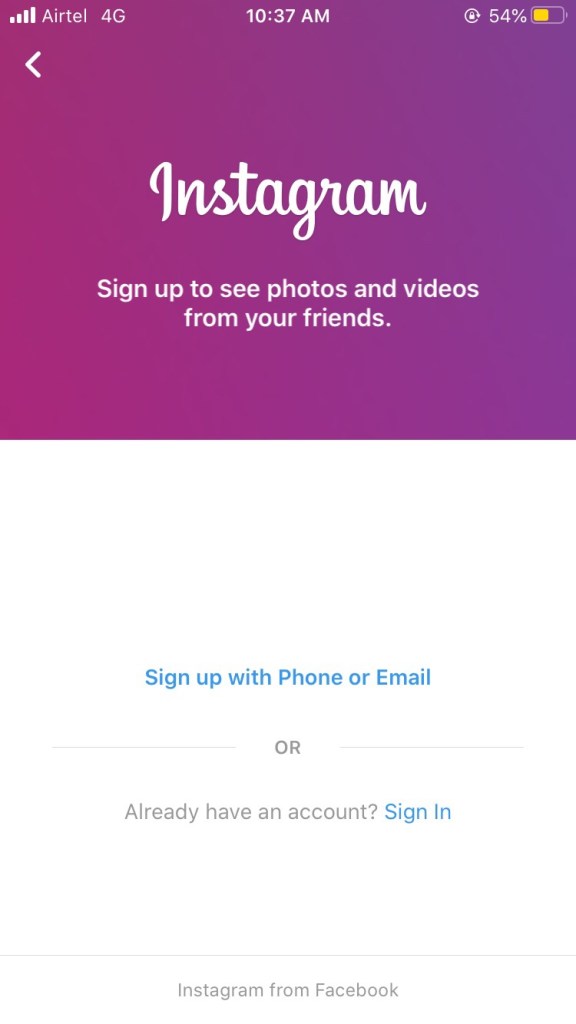
2. Tap Sign Up With Email or Phone Number(Android) or Create New Account (iPhone) .
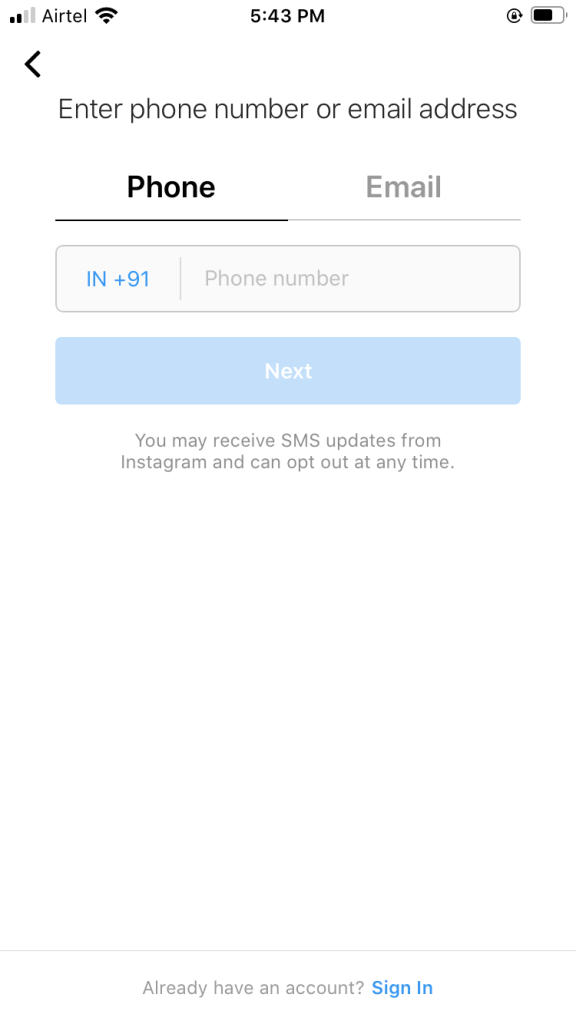
3. Then enter your email address or phone number and click on next.
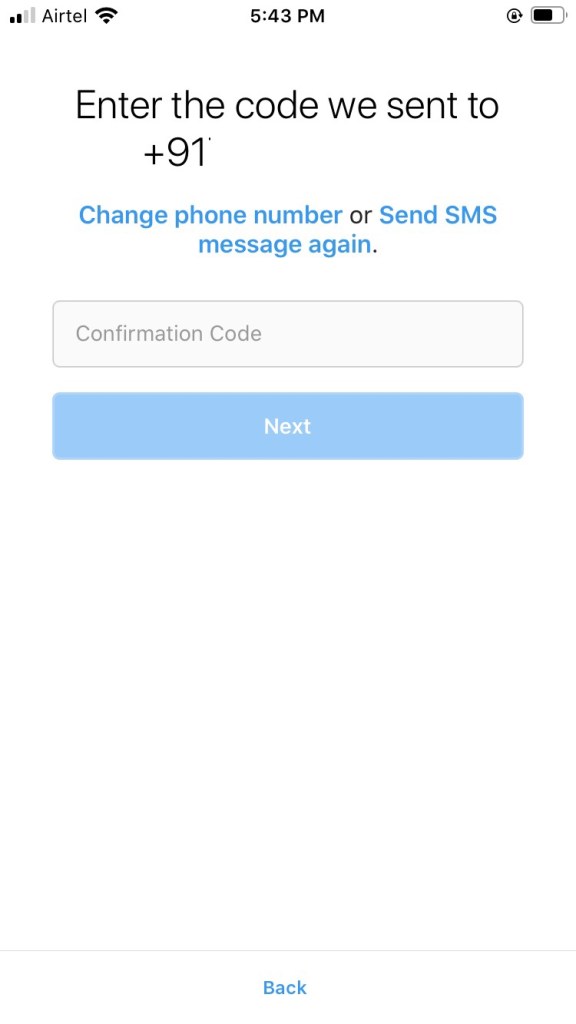
4. Then you receive a sms in your mobile number or email address . Enter that number in it and click on next .
5. Enter your name , enter your password ( whatever you want ) and enter your birth date.
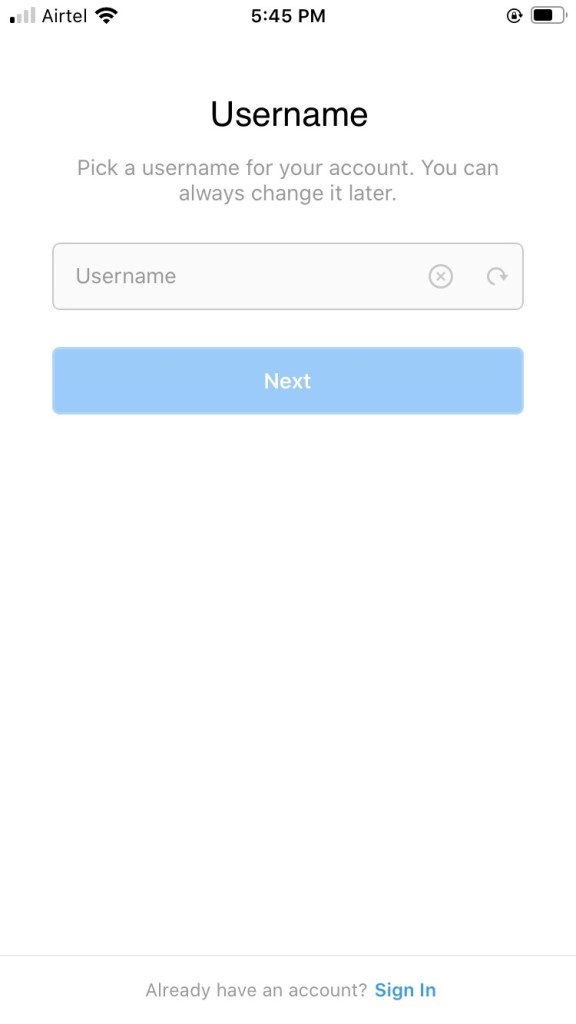
Than enter your username and click on next.
Your profile is created now you can fill your information in your profile by clicking on edit .
Please give this post a like and comment.
Thank you .

