
Let’s start
First log into your account .
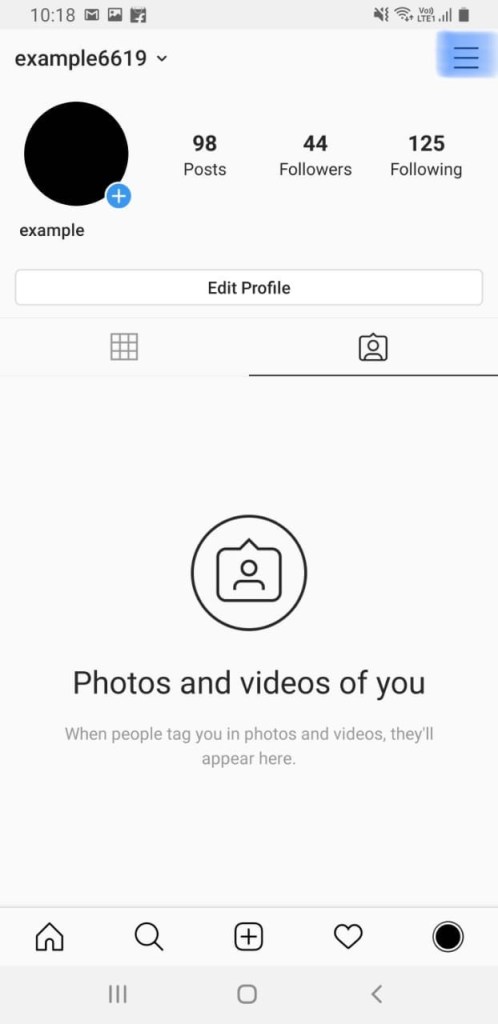
Come to your home page
Click on the three lines right upper side , as you see in this photo
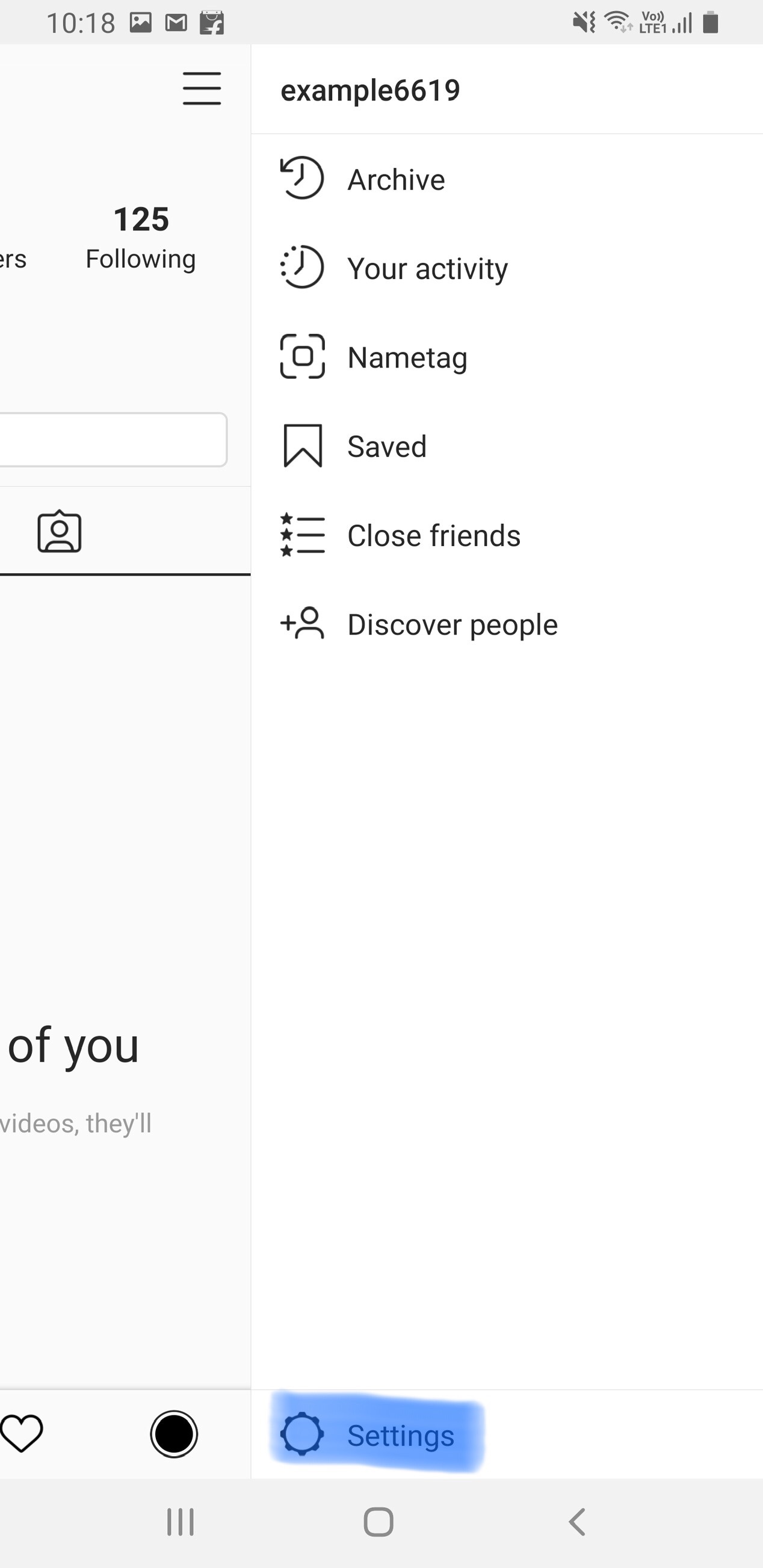
Then click on settings .
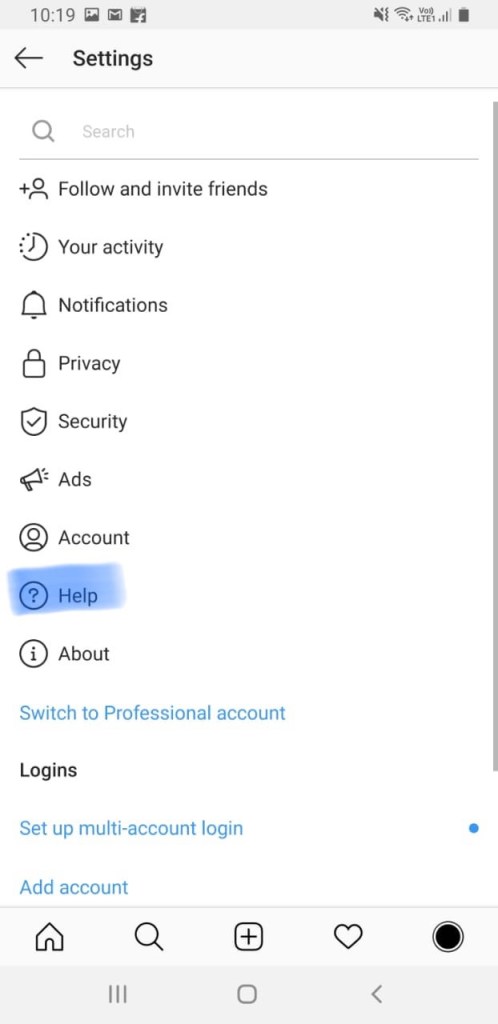
Then click on help .
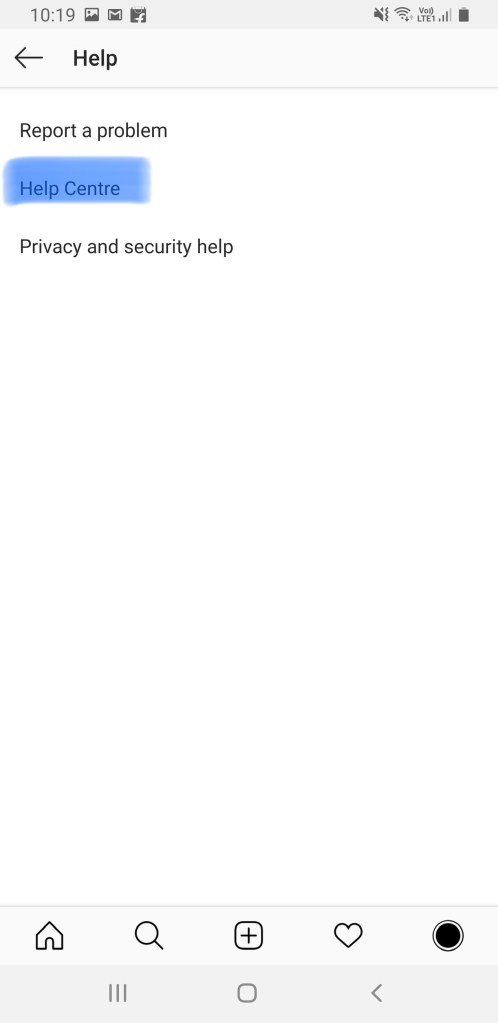
Then click on help centre .
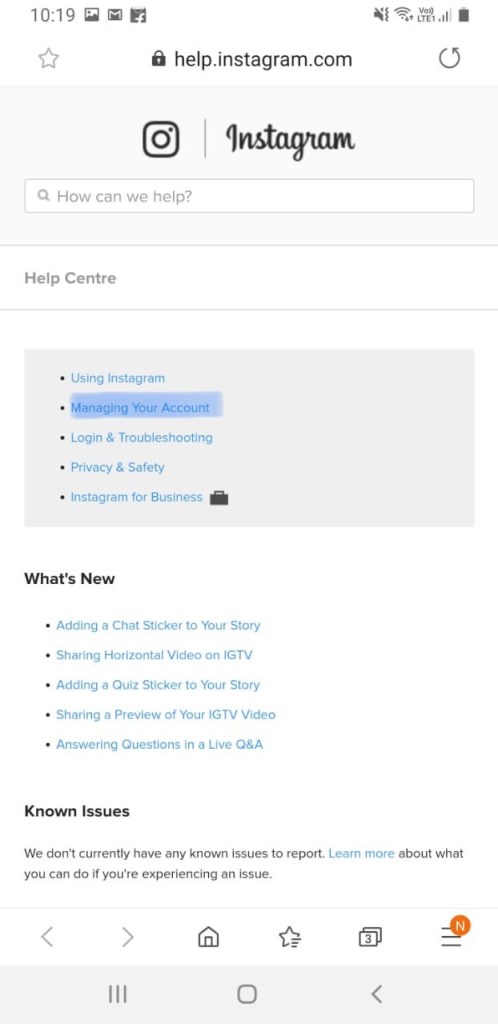
Then you directly come to your browser
Then you see many options in photo , you have to click on managing your account .
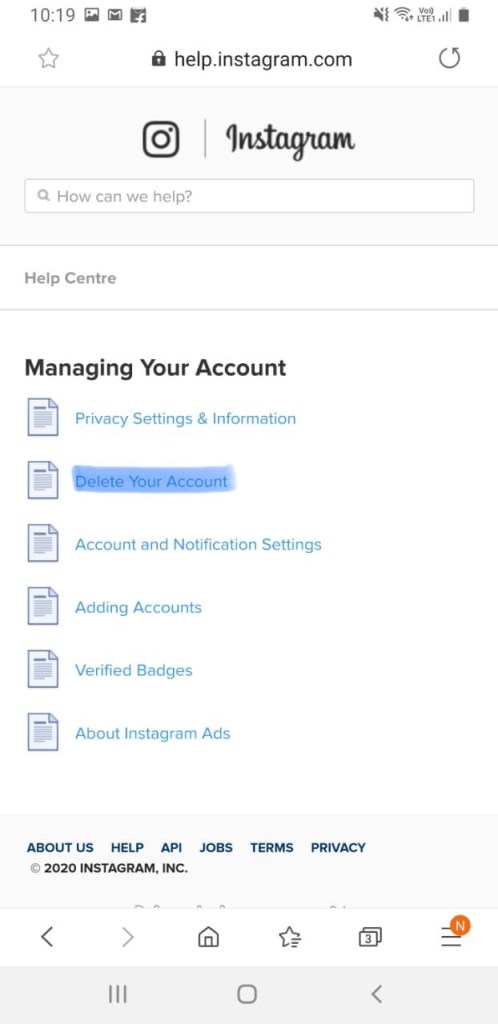
Then click delete your account .
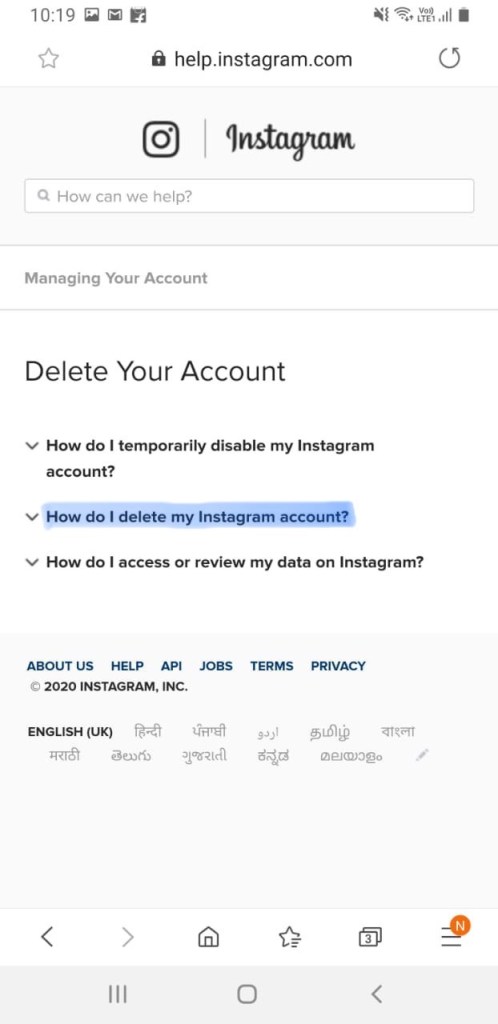
Click on how do i delete my instagram account .
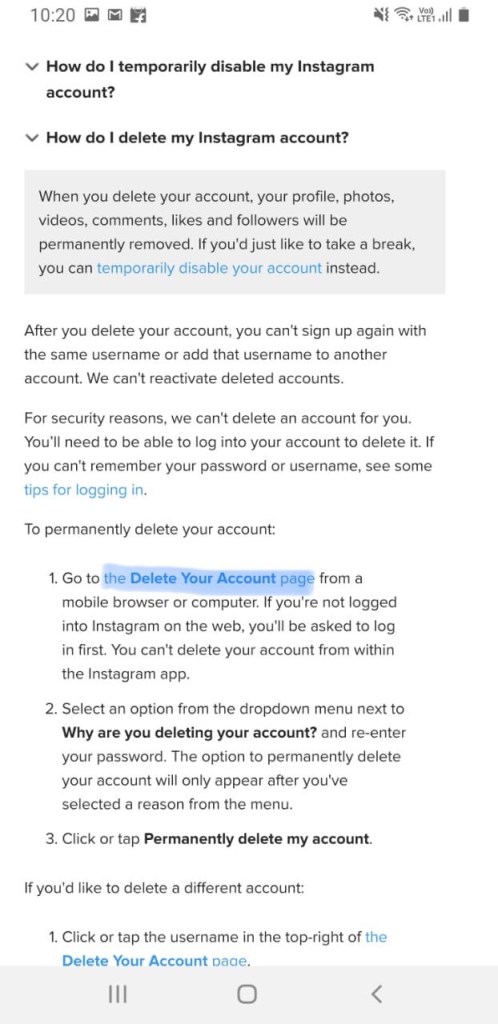
Then click on the delete your account page .
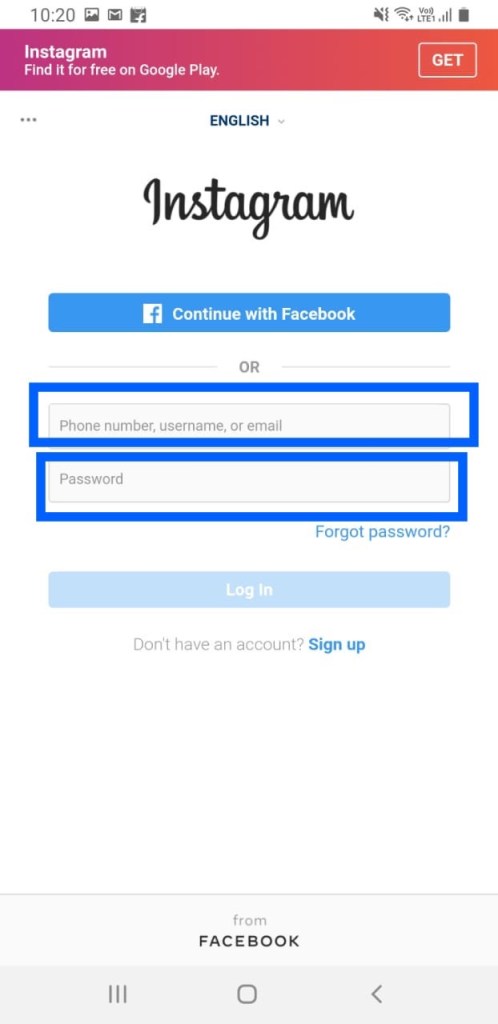
Then instagram ask you to log into your account
Enter your username and password
Log into your account .
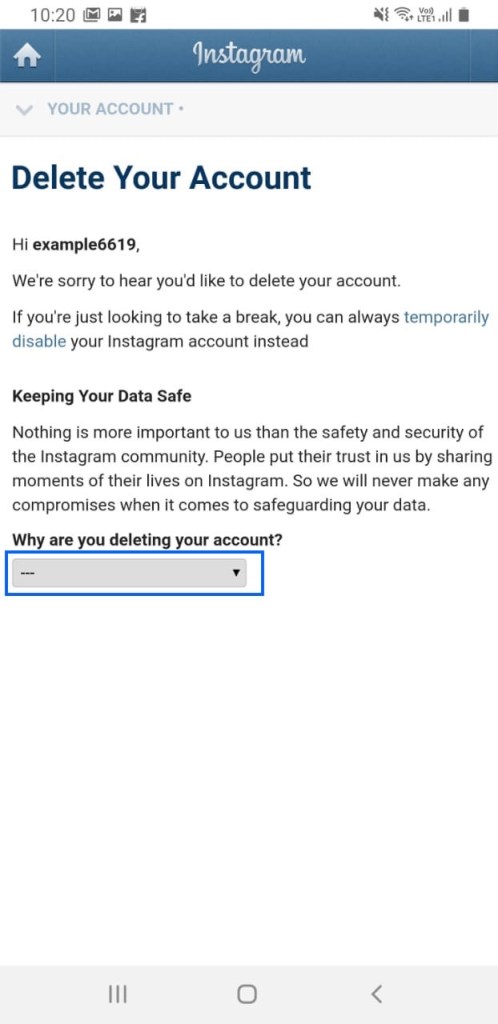
Then you have to give a reason
Why you are deleting your account
Enter the same as i enter already .
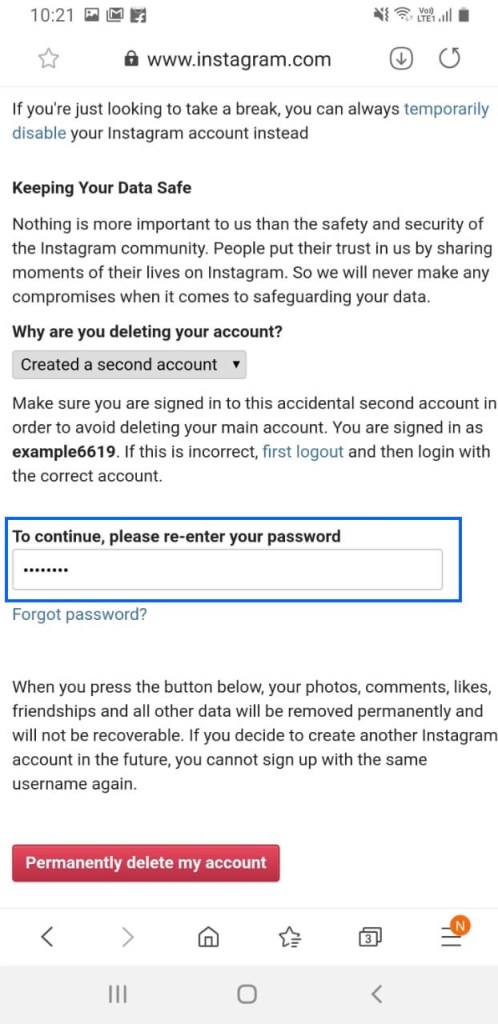
Enter you password here and click on permanently delete my account .
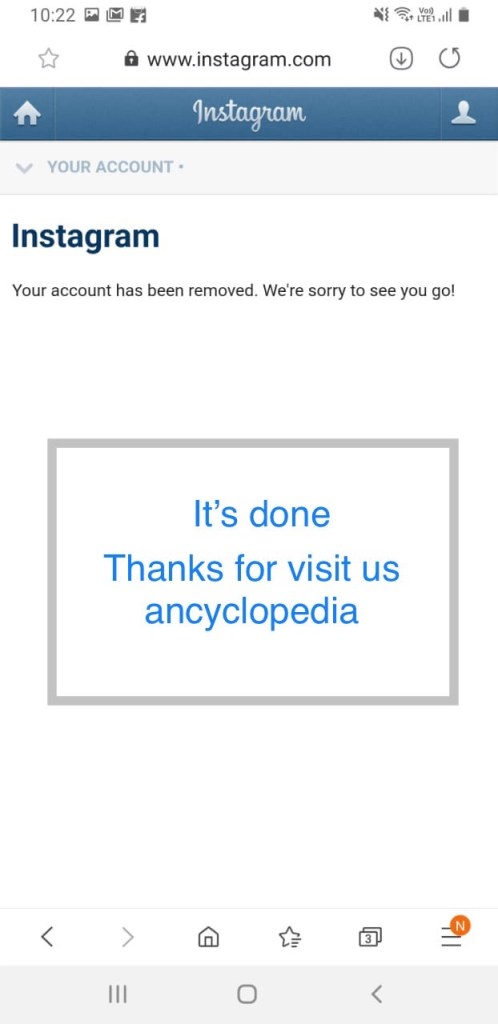
It’s done
Your account is deleted .
Thanks for visiting us.
Ancyclopedia

