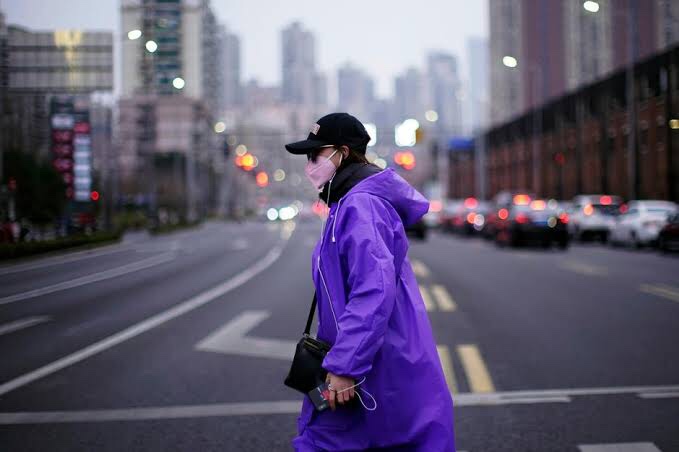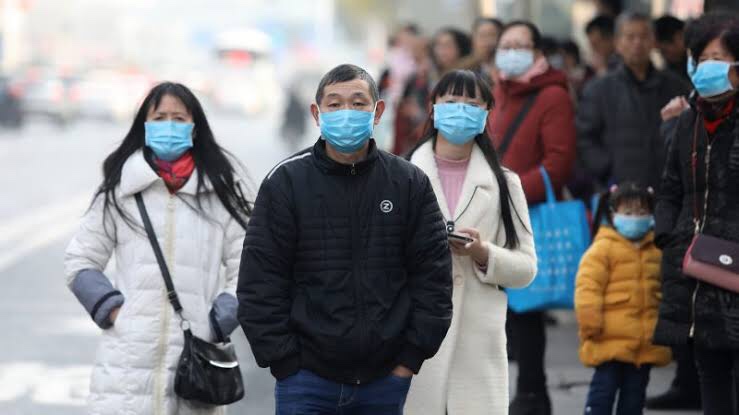
Symptoms of corona virus | Precautions

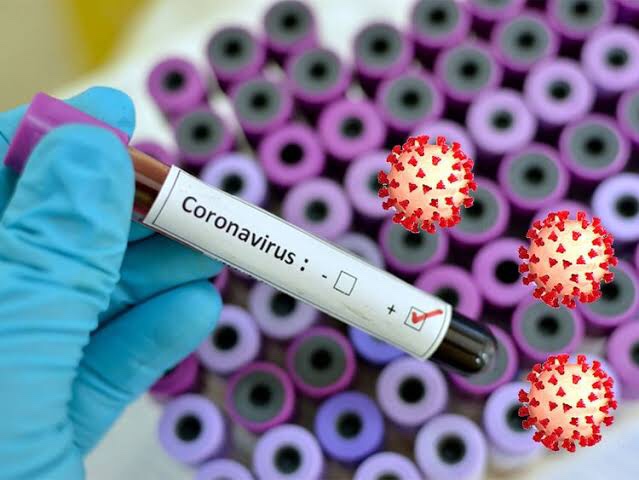
People with COVID-19 generally develop signs and symptoms .

Including mild respiratory symptoms and fever on an average of 5-6 days after infection .
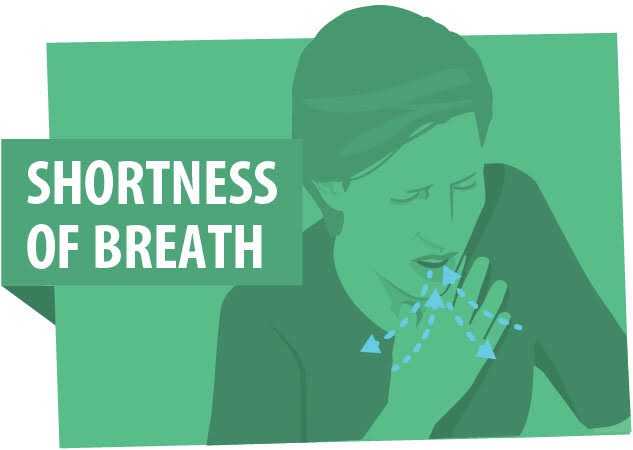
To differentiate between common cold and corona virus is shortness of breath.

Most people infected with COVID-19 virus have mild disease and recover .

Do ,
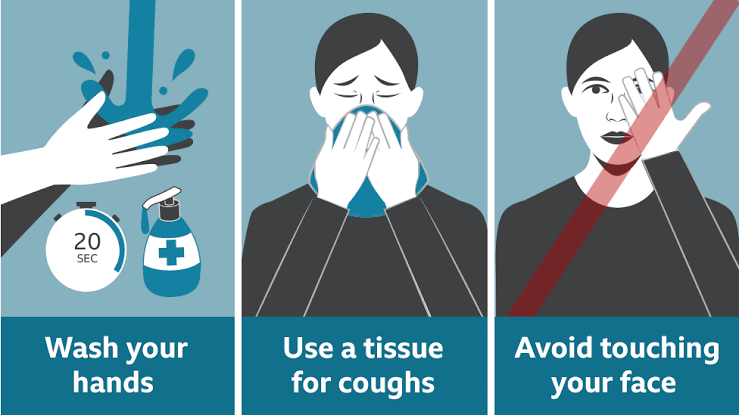
• Wash your hands regularly for 20 seconds, with soap and water or alcohol-based hand rub

• Cover your nose and mouth with a disposable tissue or flexed elbow when you cough or sneeze

• Avoid close contact (1 meter or 3 feet) with people who are unwell

• Stay home and self-isolate from others in the household if you feel unwell

Don’t ,

• Don’t touch your eyes , nose , or mouth if your hands are not clean .
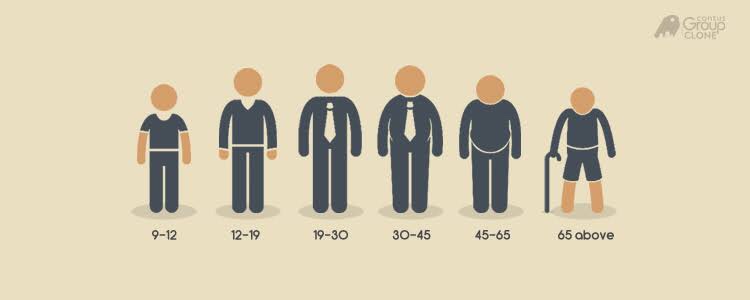


People of all ages can be infected by the new coronavirus (2019-nCoV).

Older people and people with pre-existing medical conditions (such as asthma, diabetes, heart disease) appear to be more vulnerable to becoming severely ill with the virus.


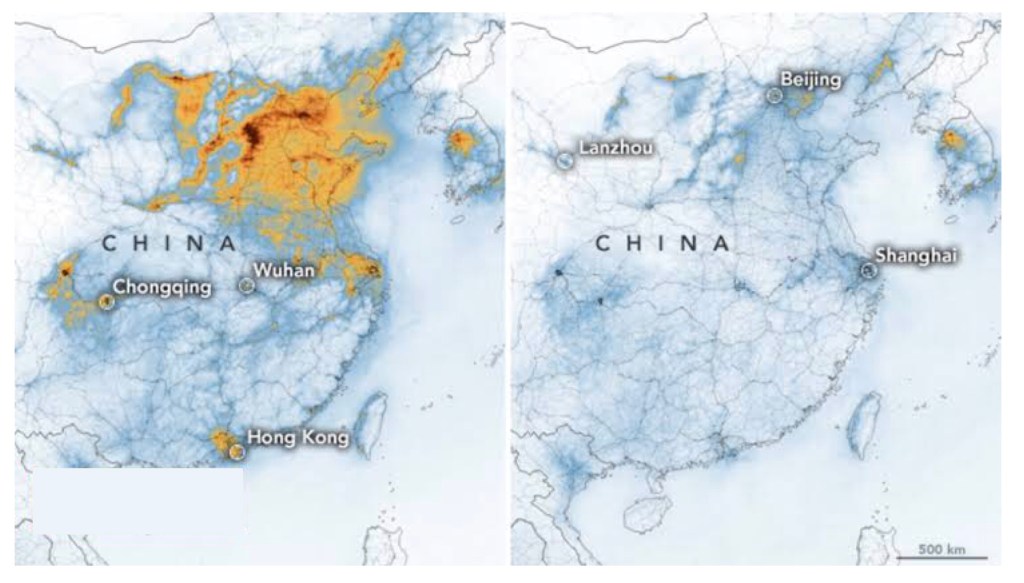
Corona virus | china ( wuhan ) full details

Hi ,

So today we all know about the new virus corona .

Wuhan ( china ) is the city where the coronavirus outbreak was first reported ,

An outbreak of novel coronavirus (2019-nCoV)

Has spread rapidly,

with cases now confirmed in multiple countries.

The World Health Organization has declared the virus a global health emergency and rated COVID-19‘s global risk of spread and impact as “very high,” the most serious designation the organization gives.

In china the corona virus cases .

Cases:

81,740 

Deaths:

3,331

Recovered:

77,167

China also lockdown for some weeks . After lockdown the number of patients decreased.

But vaccine is not discovered yet.

The symptoms are same as you feel when you have a common cold .

But the difference is shortness of breath.

China government also made a hospital for treatment of corona positive patients.

But the life is disturbed of people of china and when it comes to normal it takes month or a year .

This virus disturbed the life of many countries.

How to delete instagram account

Let’s start

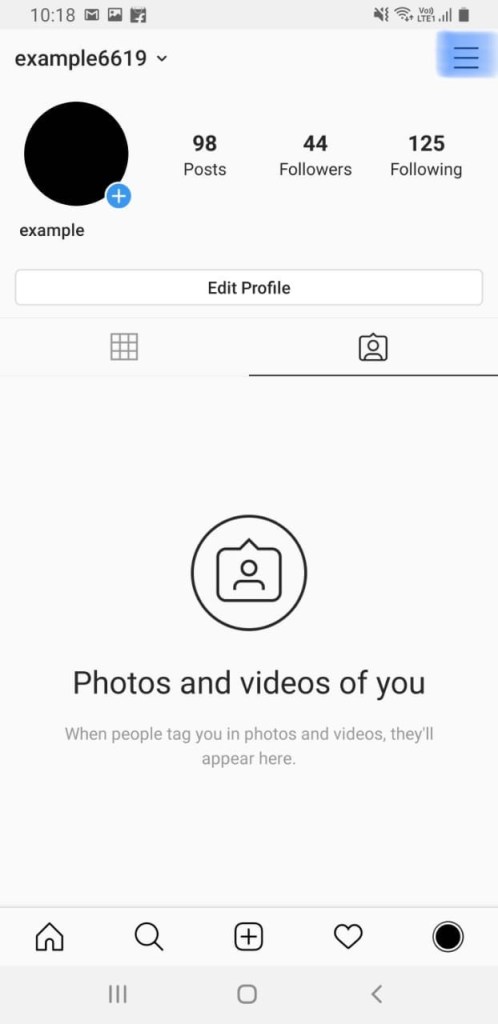
First log into your account .

Come to your home page

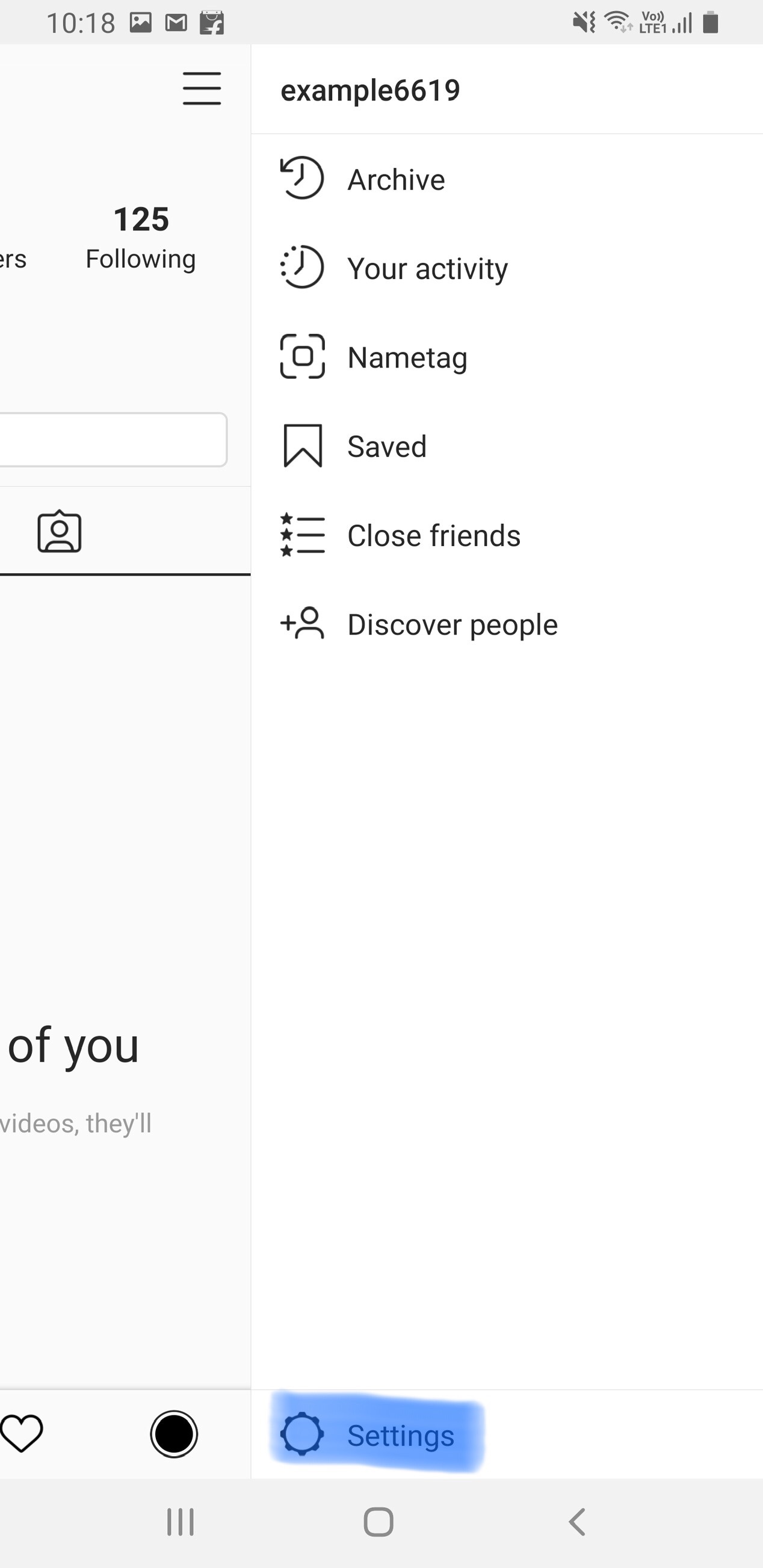
Click on the three lines right upper side , as you see in this photo

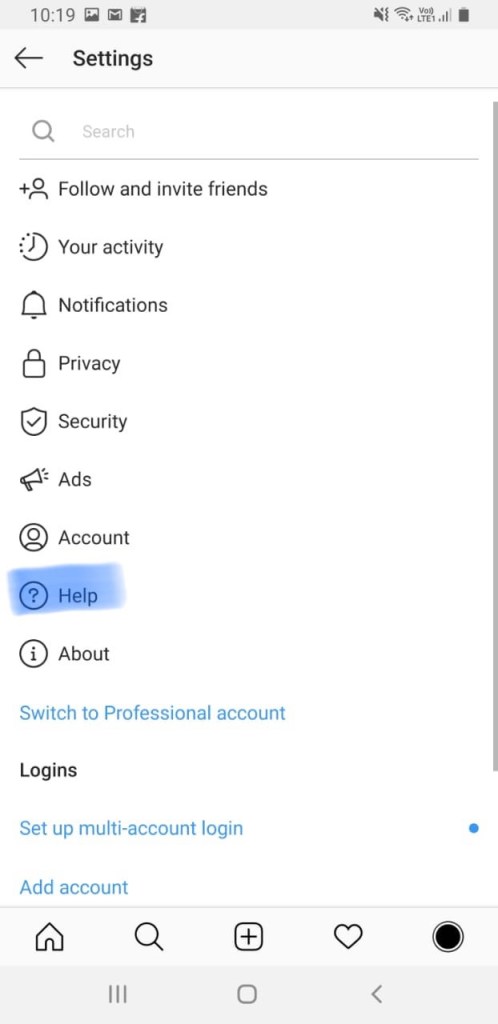
Then click on settings .

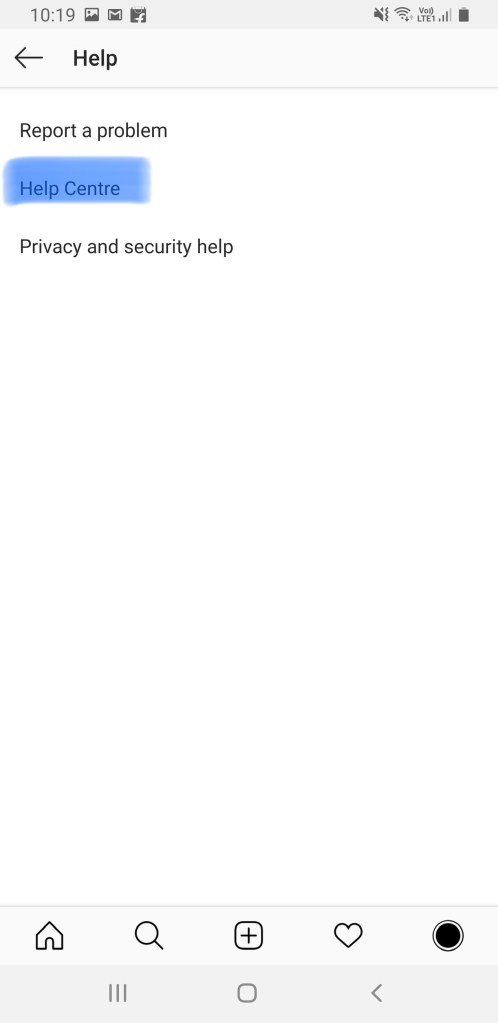
Then click on help .

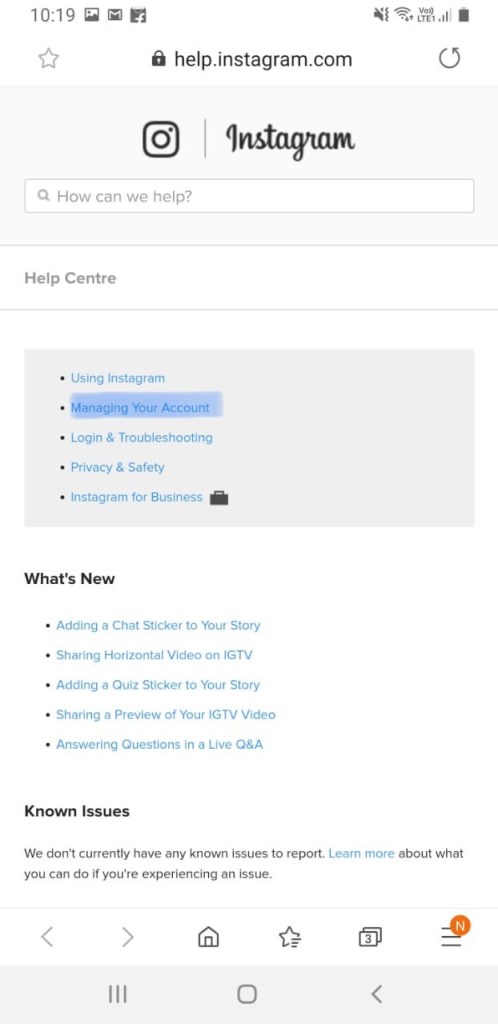
Then click on help centre .

Then you directly come to your browser

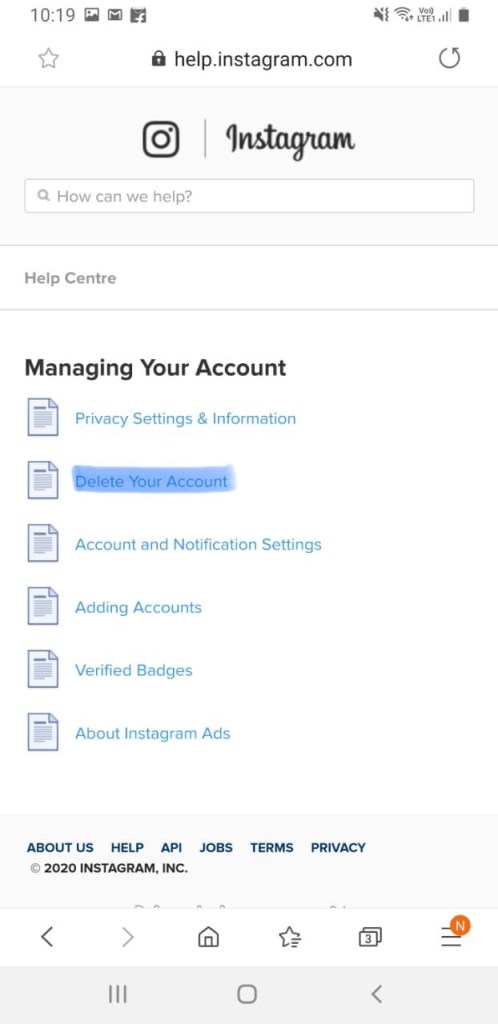
Then you see many options in photo , you have to click on managing your account .

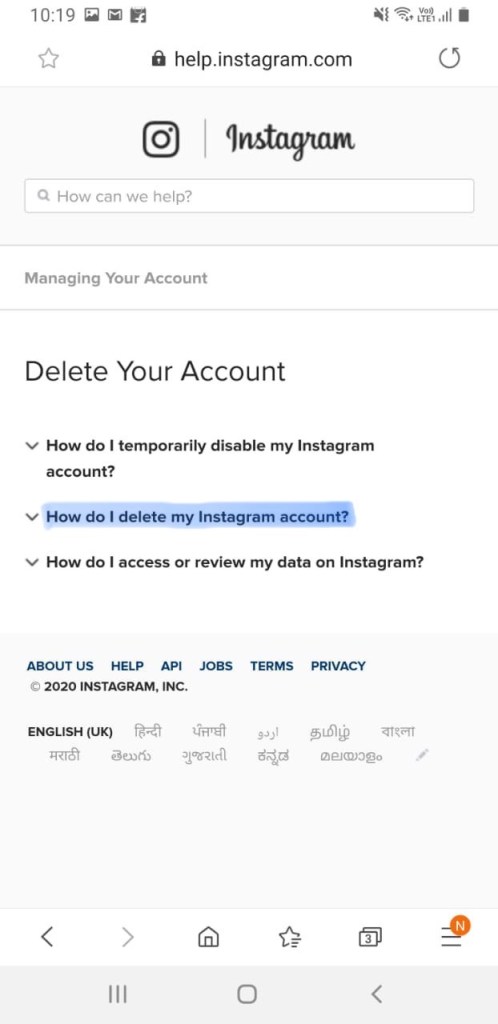
Then click delete your account .

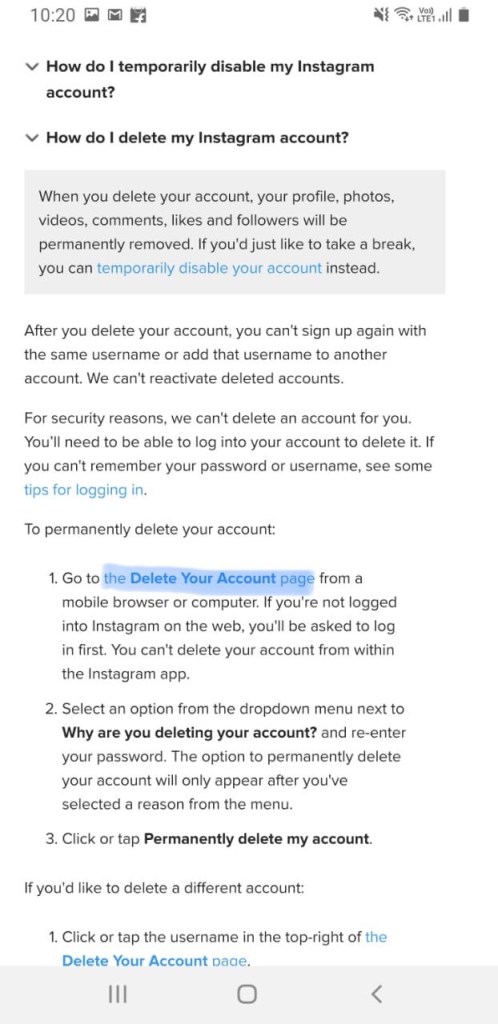
Click on how do i delete my instagram account .

Then click on the delete your account page .

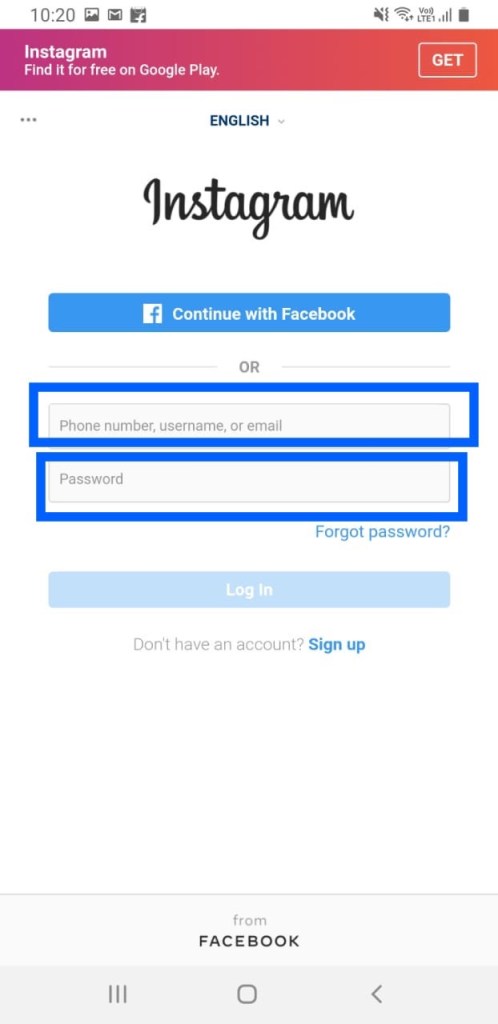
Then instagram ask you to log into your account

Enter your username and password

Log into your account .

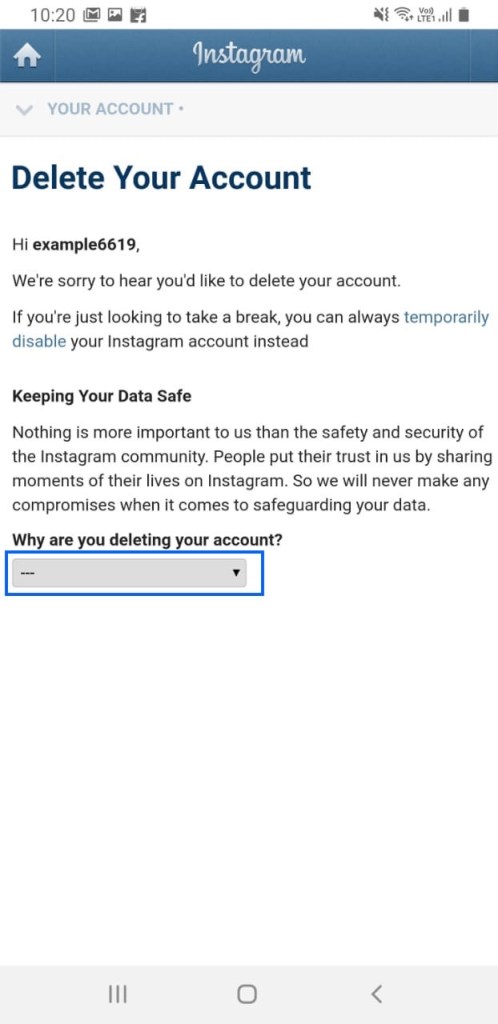
Then you have to give a reason

Why you are deleting your account

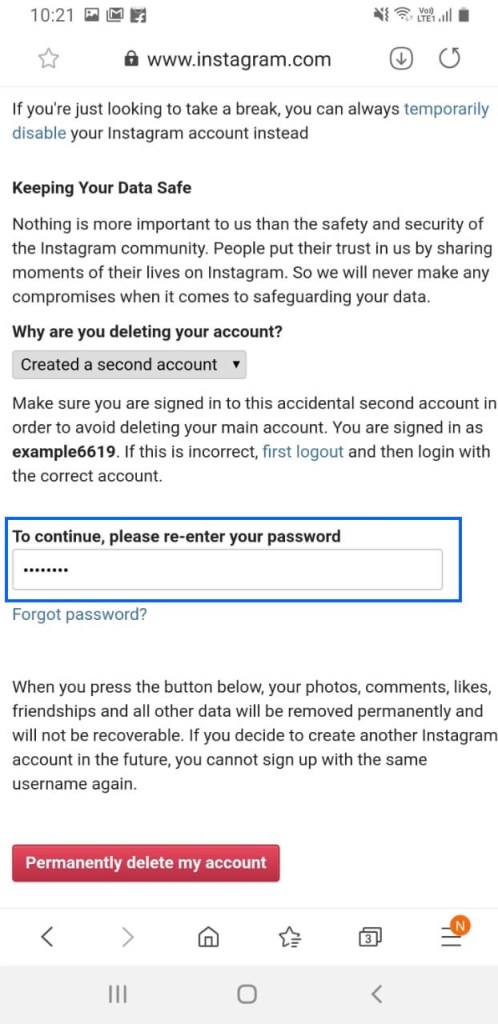
Enter the same as i enter already .

Enter you password here and click on permanently delete my account .

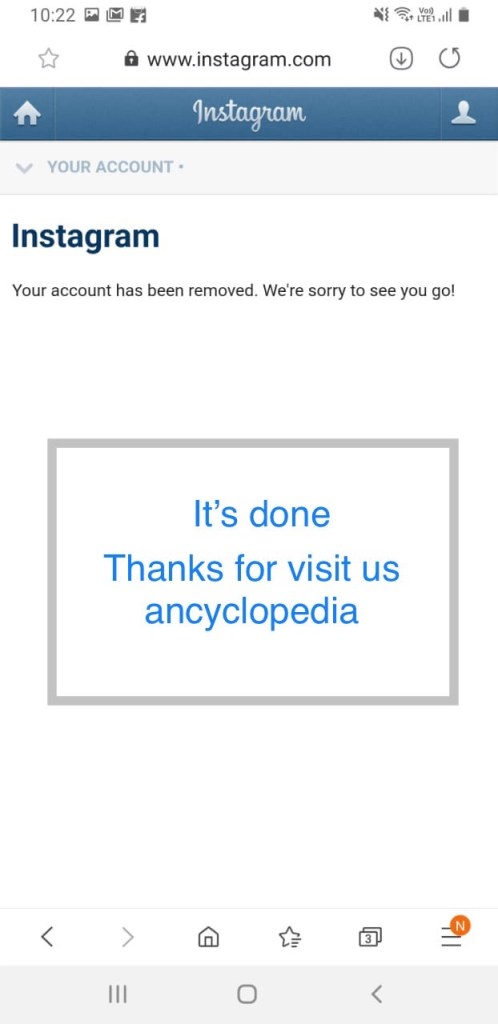
It’s done

Your account is deleted .

Thanks for visiting us.
Ancyclopedia

How to make Instagram account | Fast | Simple

Instagram is a free, online photo-sharing application and social network platform that was acquired by Facebook in 2012.

Instagram allows users to edit and upload photos and short videos through a mobile app. Users can add a caption to each of their posts and use hashtags and location-based geotags to index these posts and make them searchable by other users within the app. Each post by a user appears on their followers’ Instagram feeds and can also be viewed by the public when tagged using hashtags or geotags. Users also have the option of making their profile private so that only their followers can view their posts.
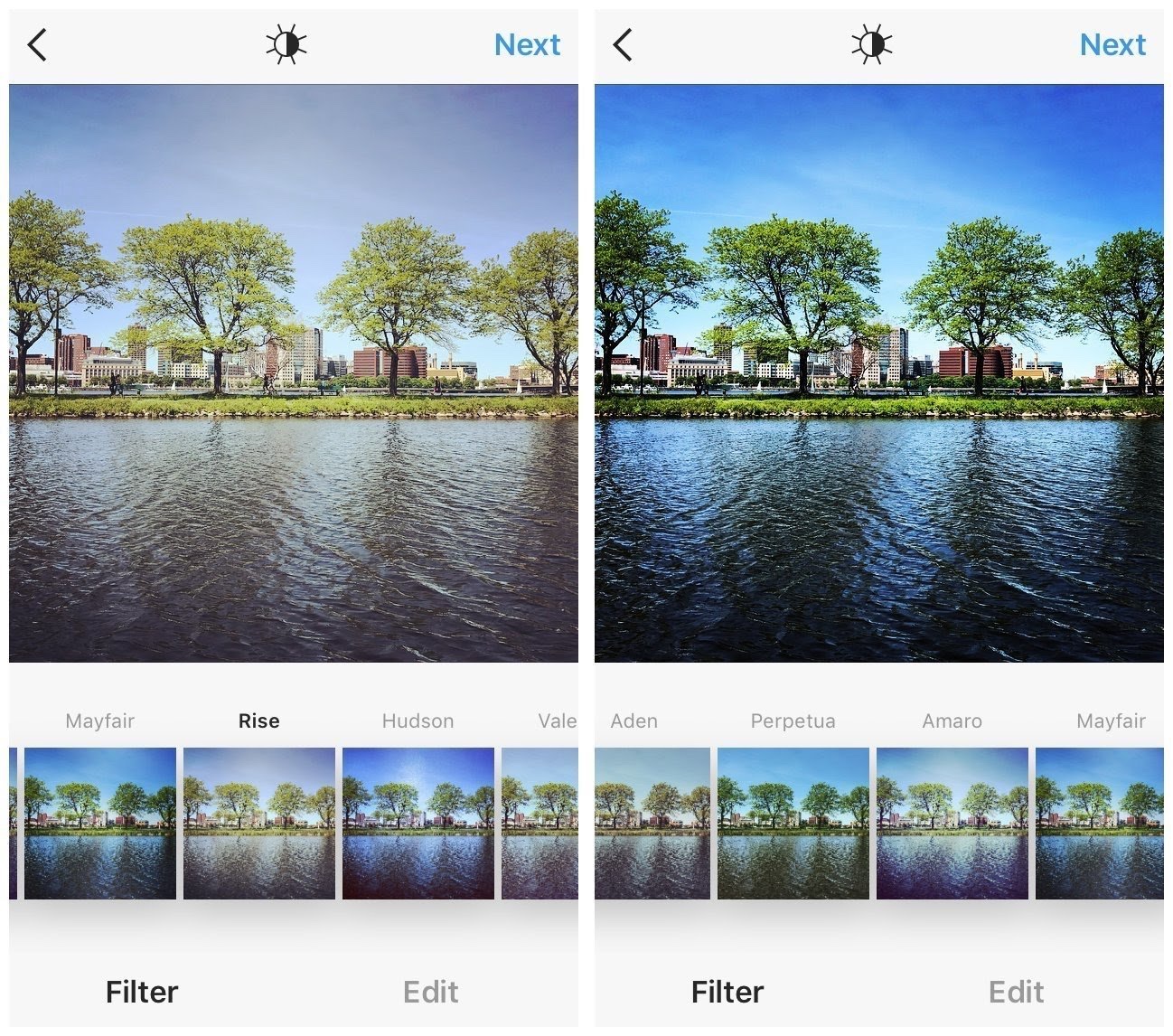
Instagram users have the option of adding a digital filter to their photos or videos.

Let’s start

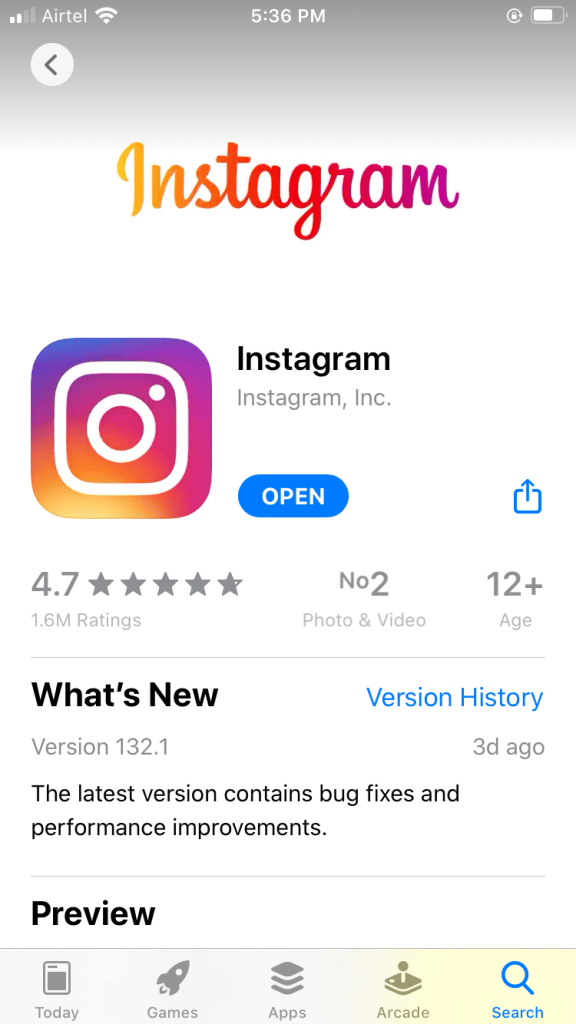
1. Download the app from Play store . Once the app installed open the app .

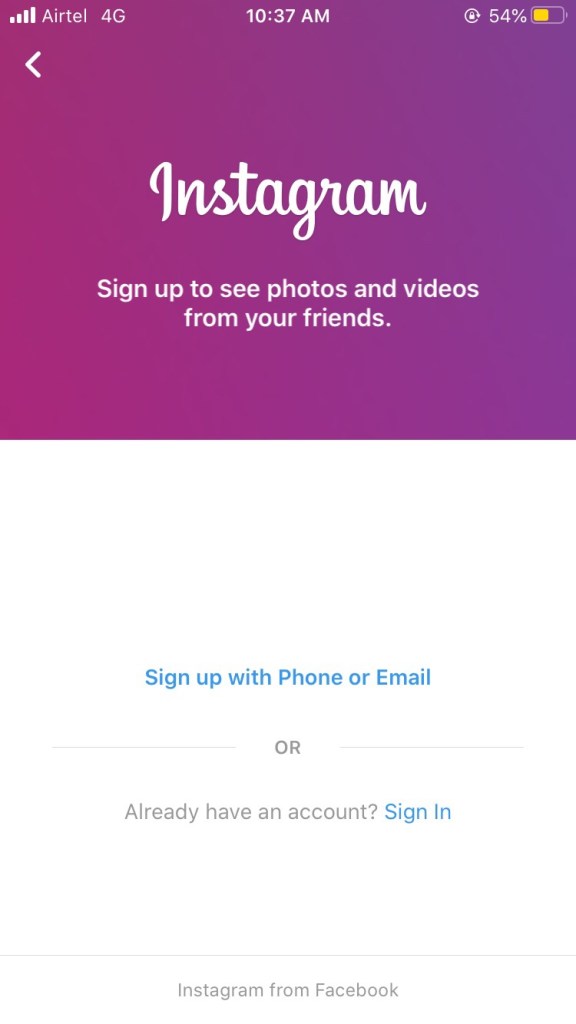
2. Tap Sign Up With Email or Phone Number(Android) or Create New Account (iPhone) .

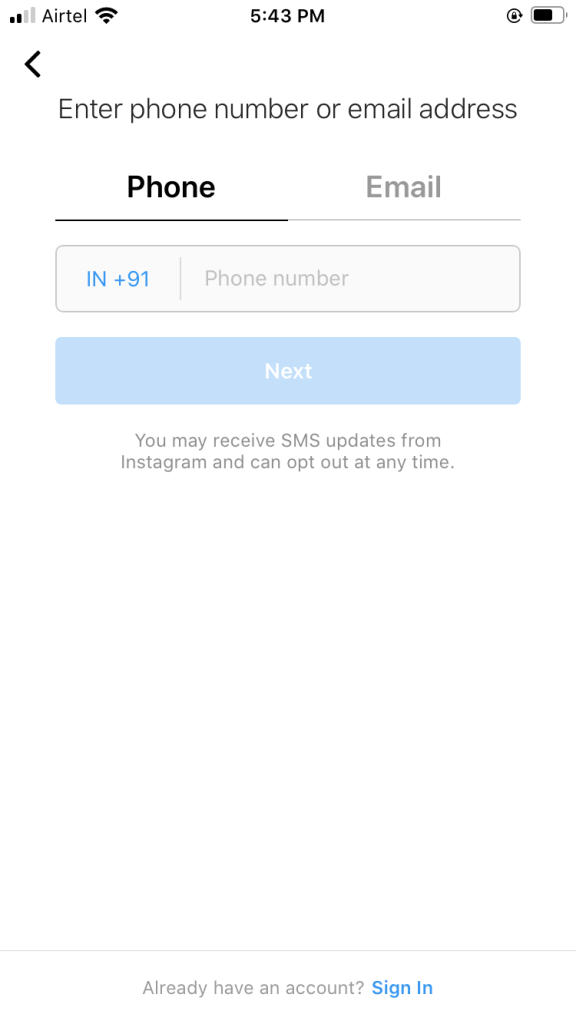
3. Then enter your email address or phone number and click on next.

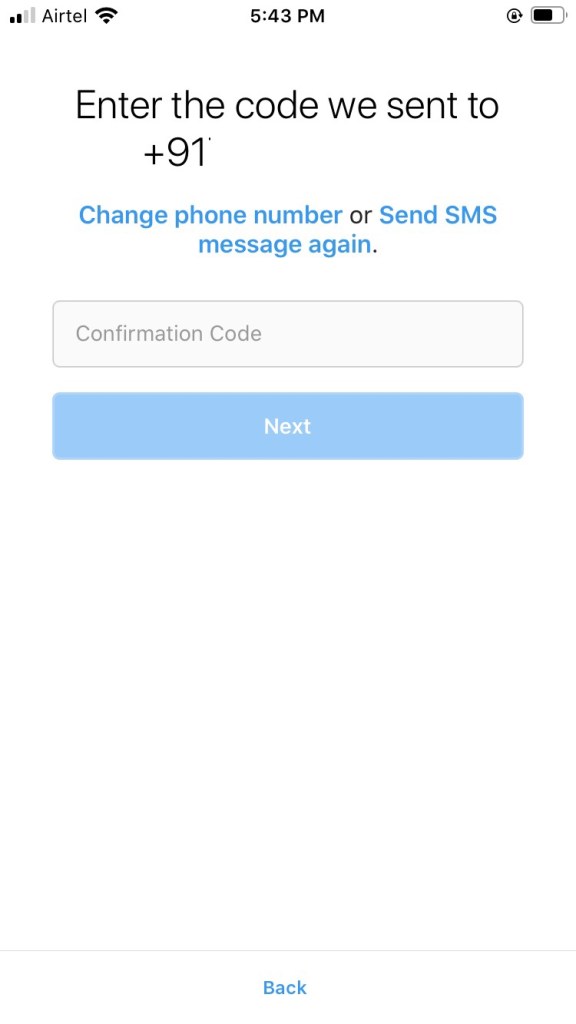
4. Then you receive a sms in your mobile number or email address . Enter that number in it and click on next .

5. Enter your name , enter your password ( whatever you want ) and enter your birth date.

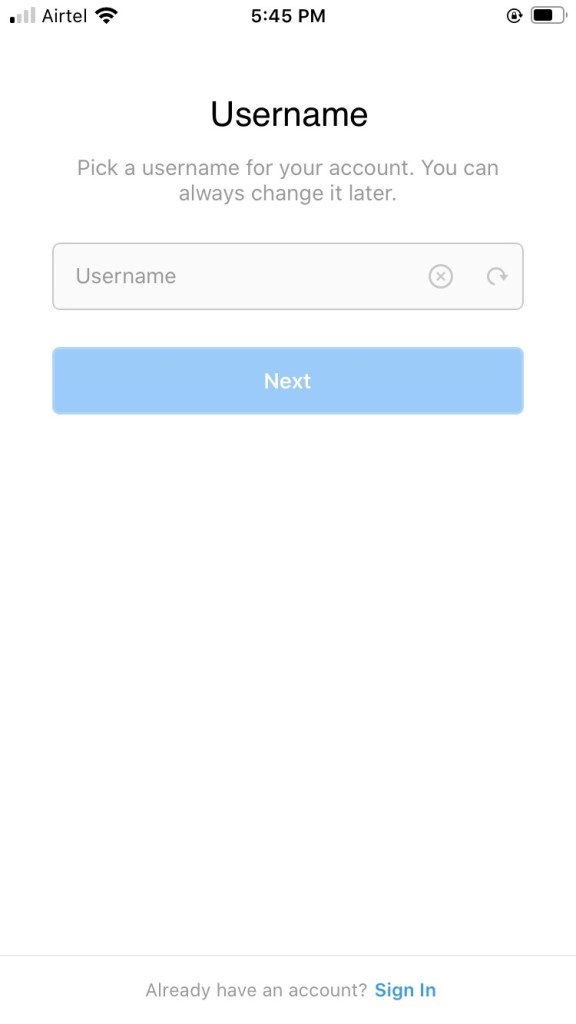
Than enter your username and click on next.

Your profile is created now you can fill your information in your profile by clicking on edit .

Please give this post a like and comment.

Thank you .

How to make gmail account | Easy | Fast .

So .

Let us show you how to make gmail account .

A mail is very necessary in today’s life every where you need a email address to logged in , In different accounts.

So , we will help you .

Just do what is written here ,

Lets start ,

1. Open internet

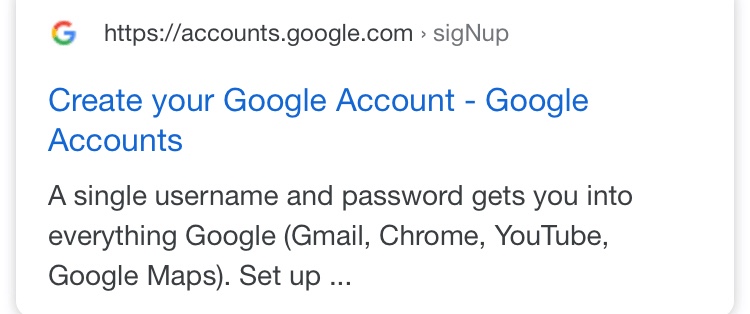
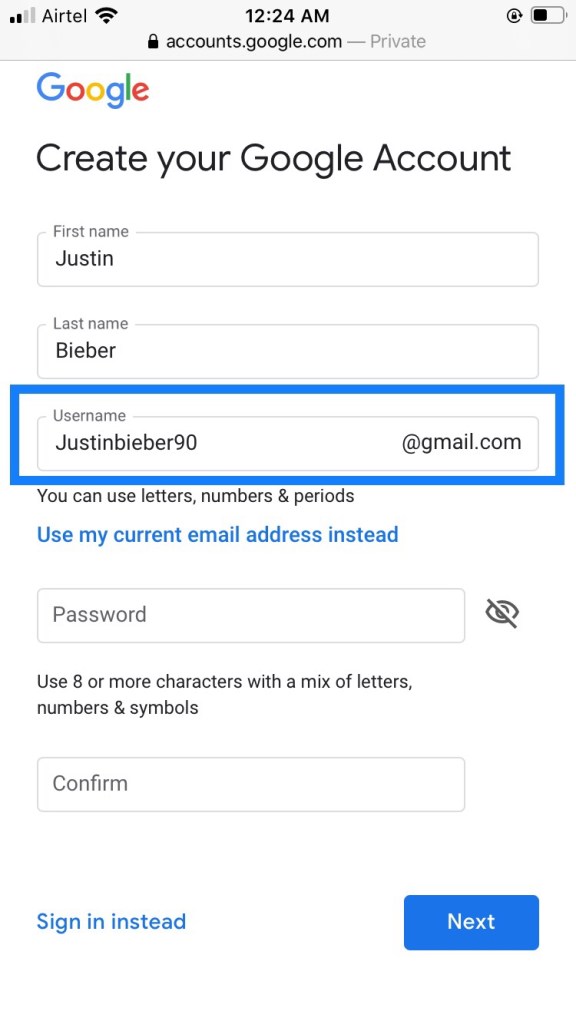
2. Go to google then type gmail create account. Click on create your google account.

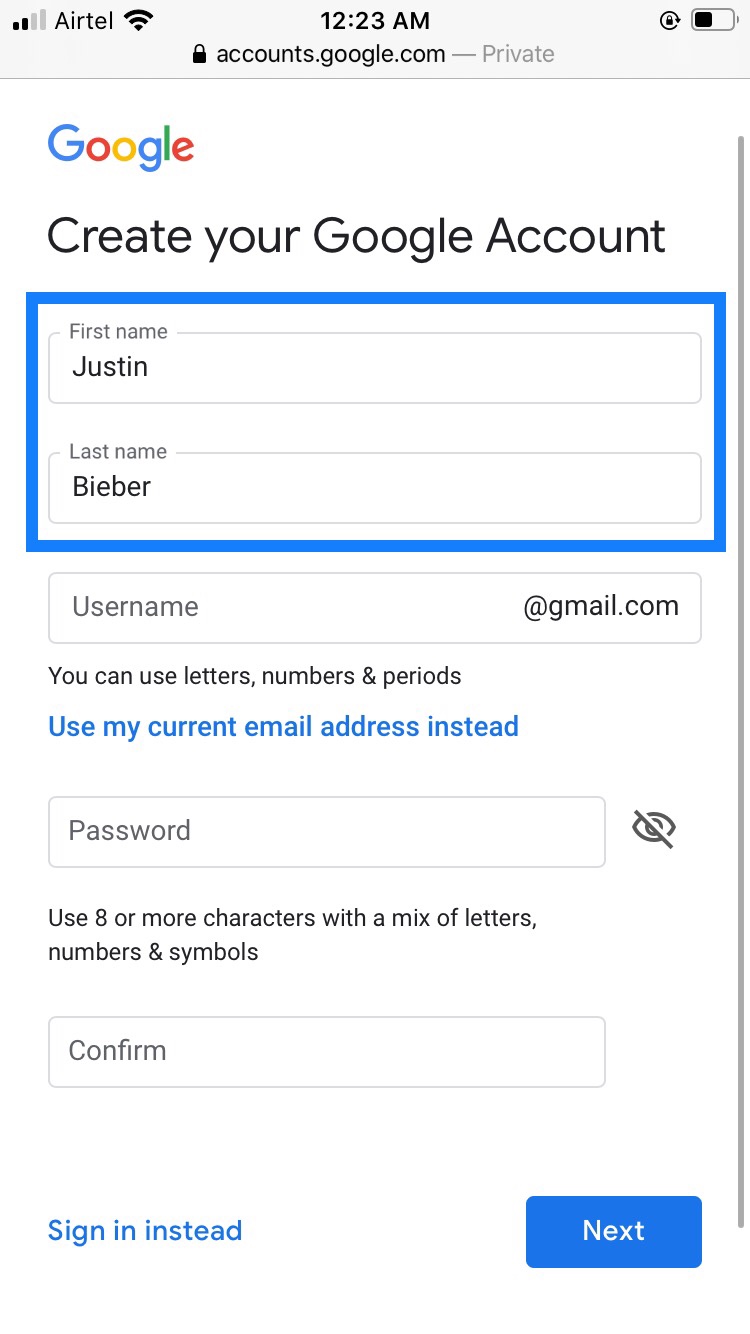
Then fill your details

Name

Example

Make ur username which will become your mail after signed up.

Example

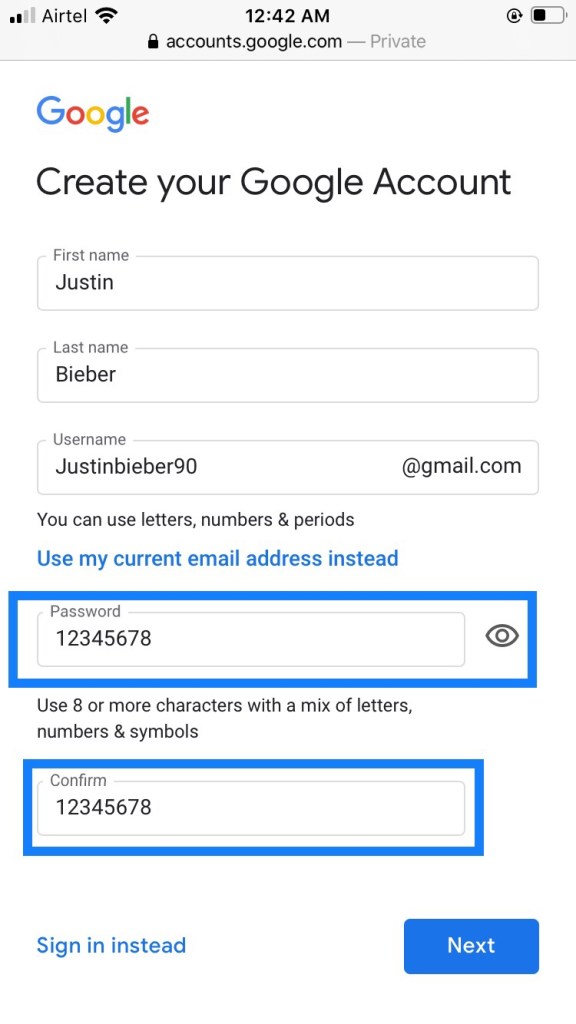
Now Make your password

( write it somewhere because you need this password every time while you logged in any account )

Example

Now click on next .

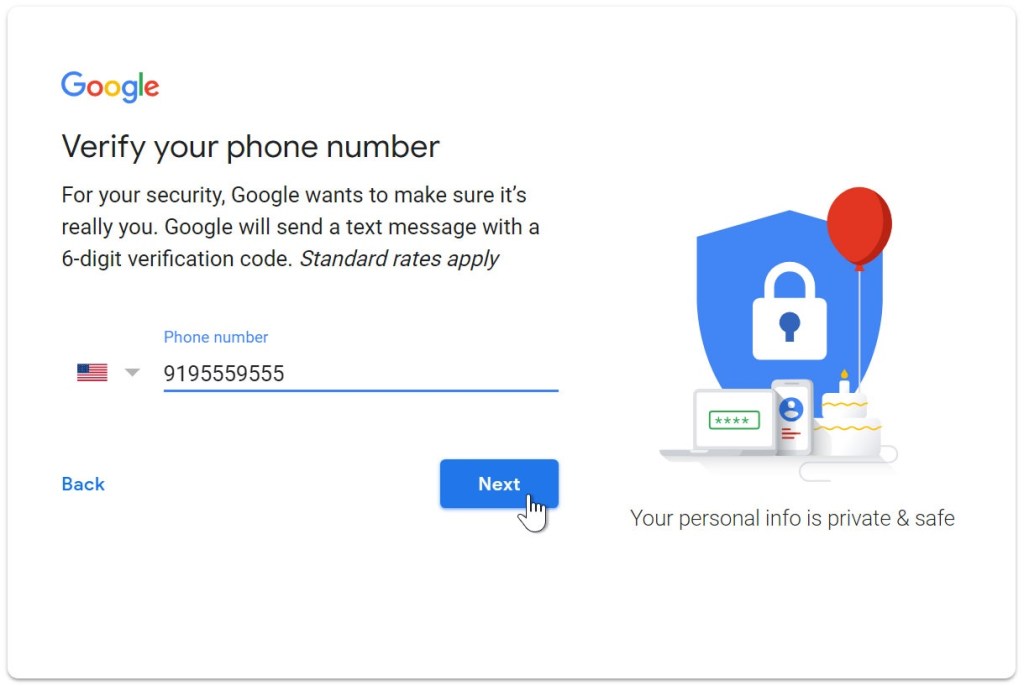
3. Next , enter your phone number to verify your account. Then click on next . ( Google uses a two-step verification process for your security ) .

Example

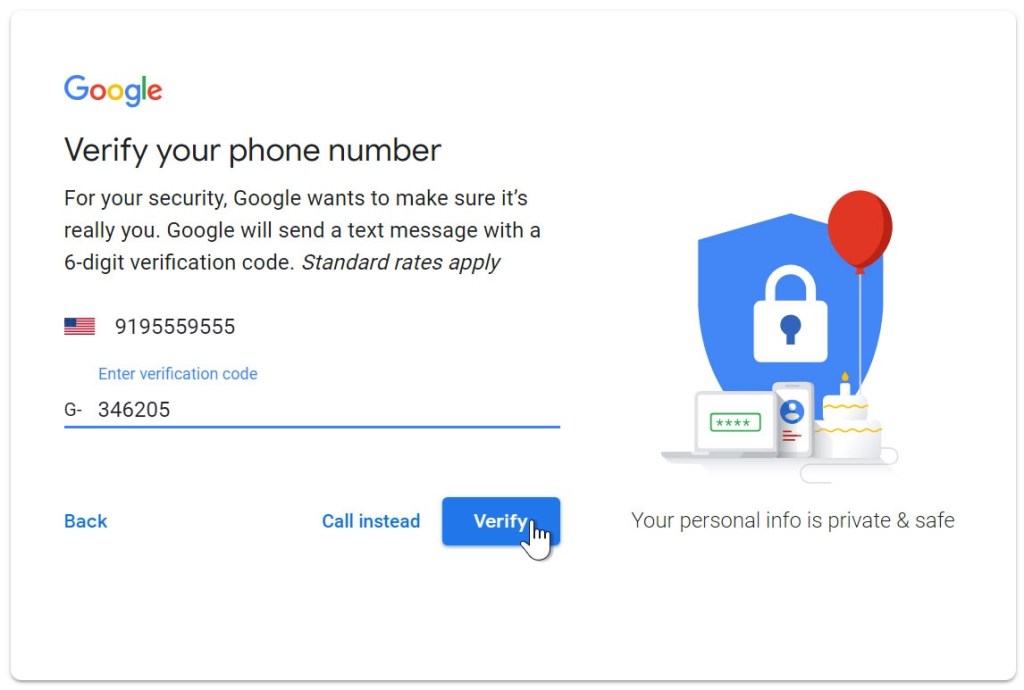
4. You will receive a text message from Google with a verification code. Enter the code to complete the account verification.

Example

Then enter it and click on verify.

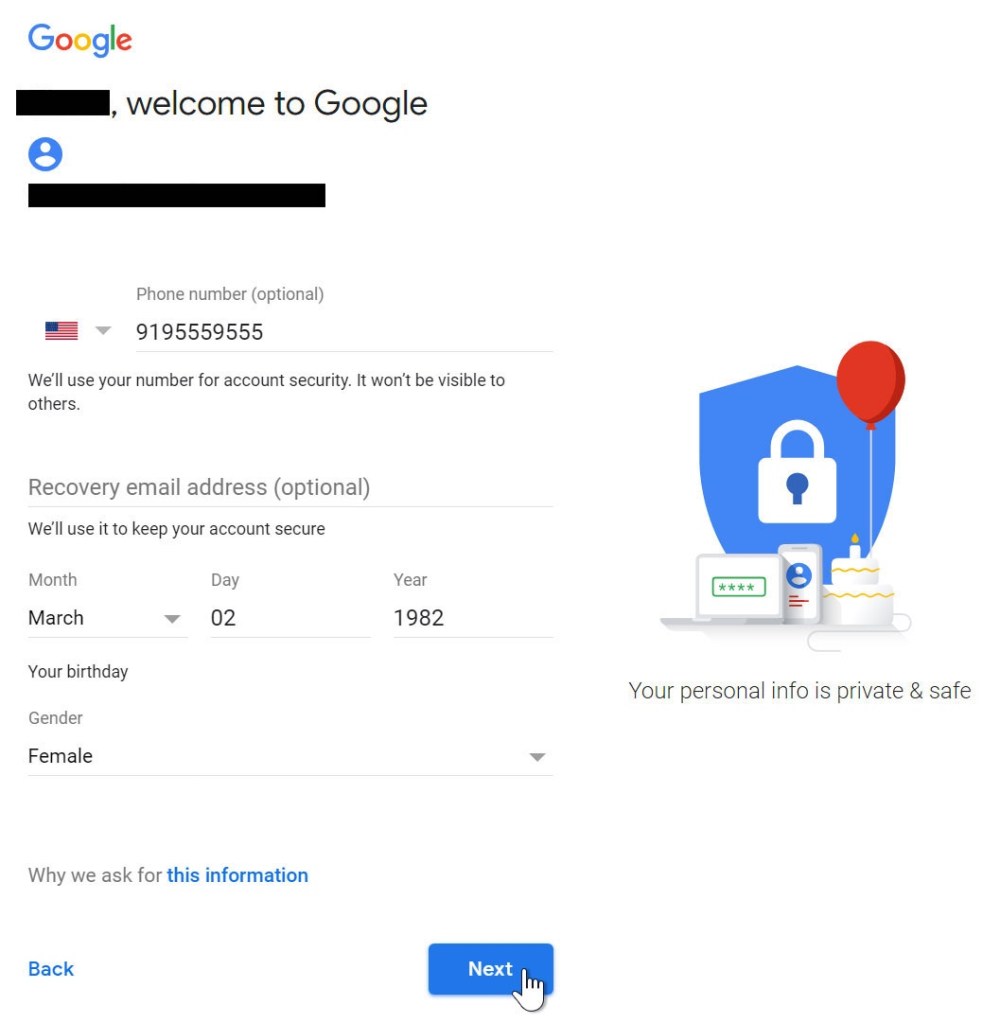
5. Next , you will see a form to enter some of your personal information , like your birthday and gender fill it and then click on next .

Example

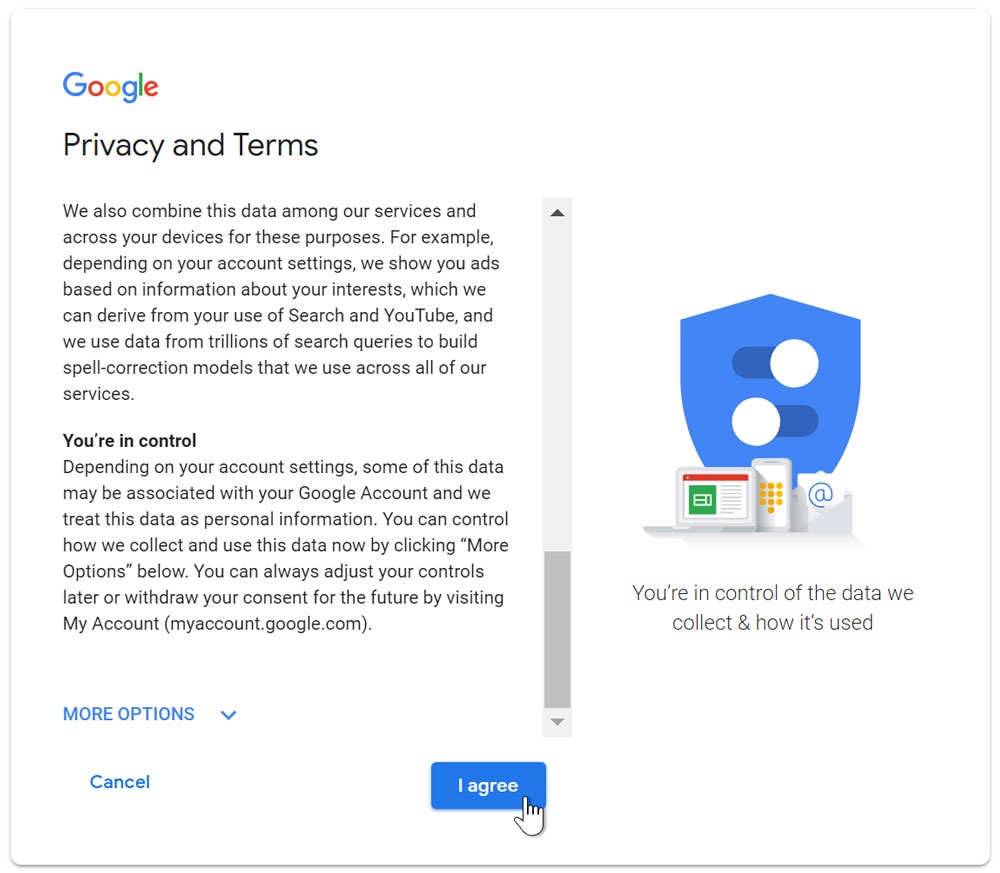
6. Review Google’s Terms of Service and Privacy Policy, then click I agree.

7. Your account is created .

Signing in to your account

When you first create your account, you will be automatically signed in. Most of the time, however, you’ll need to sign in to your account and sign out when you’re done with it. Signing out is especially important if you’re using a shared computer (for example, at a library or office) because it prevents others from viewing your emails.

To sign in:

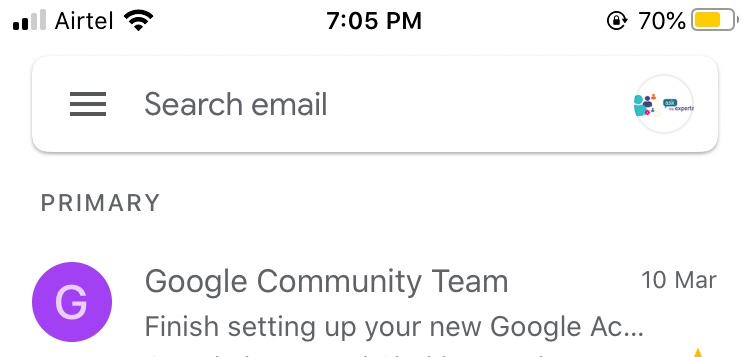
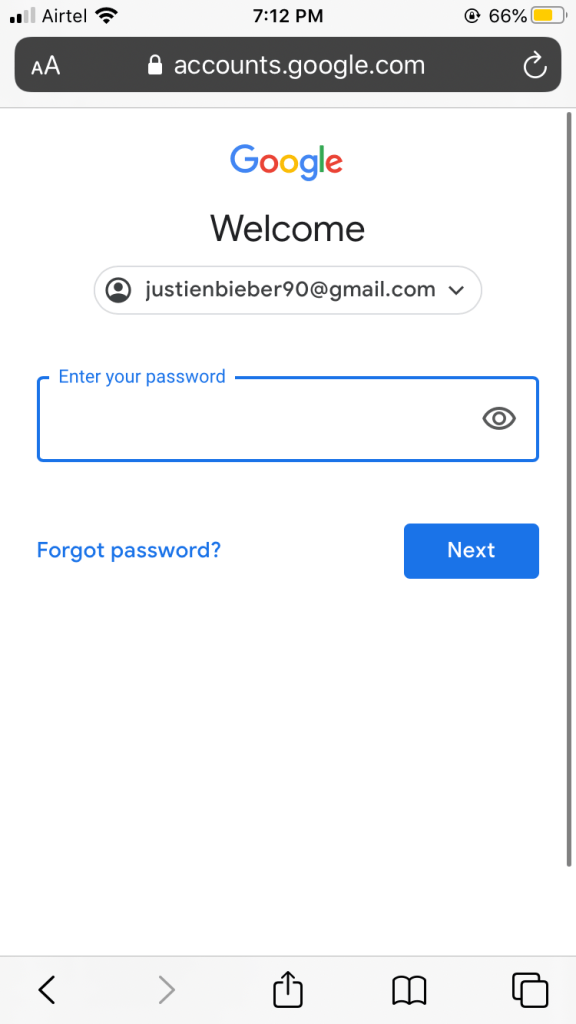
1. Go to www.gmail.com. Or in your mobile download the application from play store.

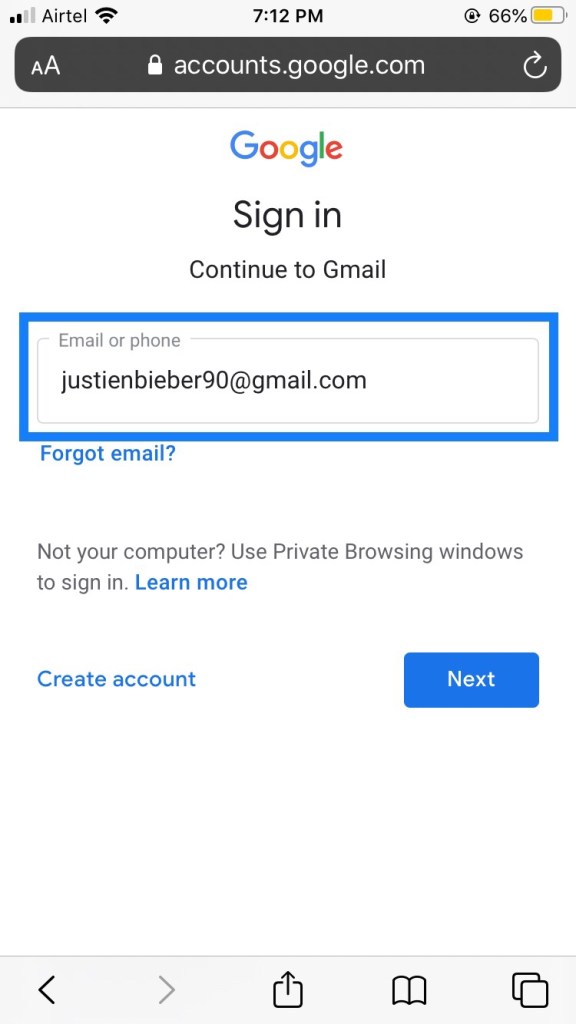
2. Type your user name and click on next

3. Then enter your password and click on next.

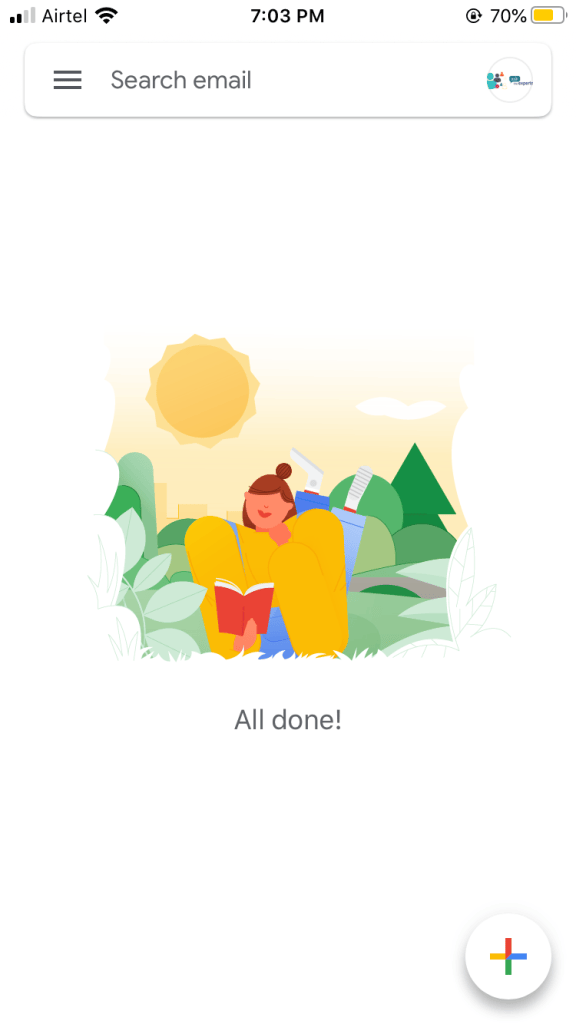
Now you logged in successfully .

Please like , share , comment.

Thank you.

Design a site like this with WordPress.com
Get started